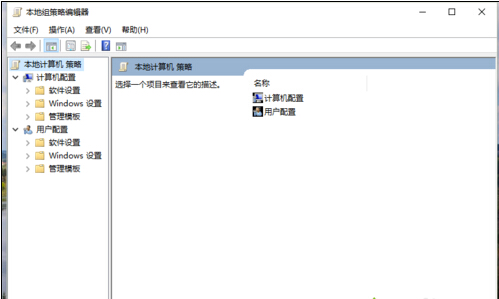
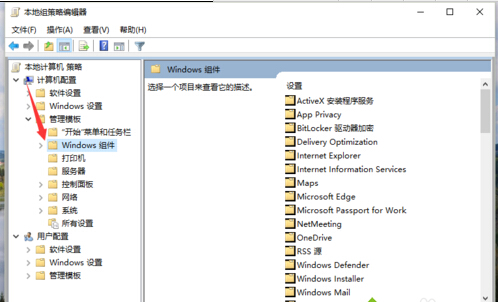
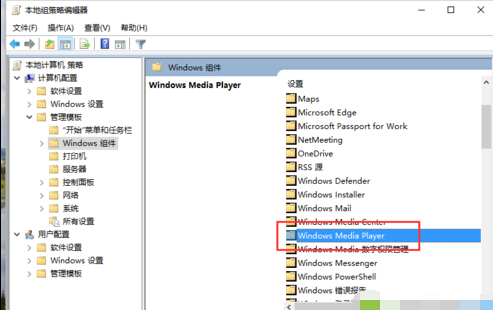
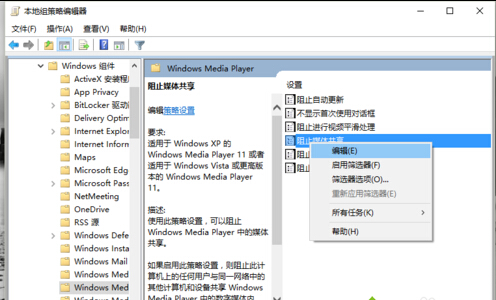
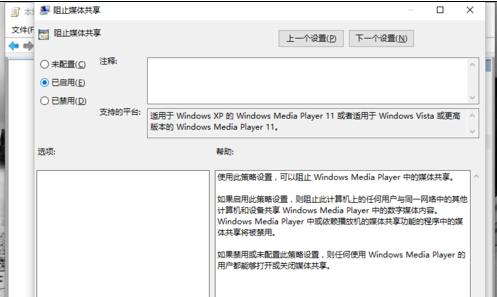
啟用後,本機所有使用者將無法透過 Windows Media Player 將數位媒體內容共享給區域網路中的其他電腦/裝置,增強隱私與頻寬管控。
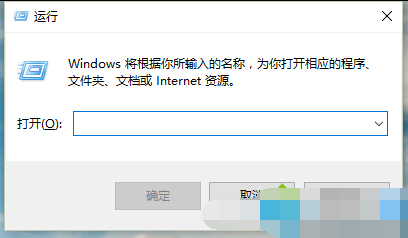
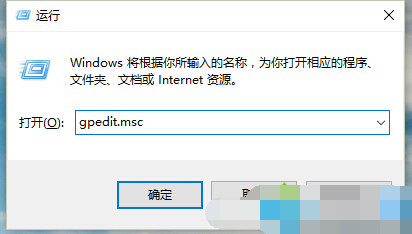
gpedit.msc
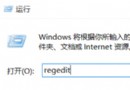
Windows 10 專業版、企業版、教育版。家用版可透過登錄表對應機碼 HKEY_LOCAL_MACHINE\SOFTWARE\Policies\Microsoft\Windows Media Player\PreventLibrarySharing 設為 1 達成相同效果。
HKEY_LOCAL_MACHINE\SOFTWARE\Policies\Microsoft\Windows Media Player\PreventLibrarySharing
1
Win10 定時關機三種方法:命令提示字元最推薦
Win10 無法開啟安全性中心?命令列重設 wscsvc 服務啟動帳戶修復
Win10 升級後安裝的軟體還在嗎?實測:完整保留,僅耗時較久
Win10 PIN 碼無法使用?啟用 IPsec Policy Agent 服務即可恢復
Win10 週年更新 12 大新功能深度解析:Cortana 鎖屏、深色模式、Windows Hello 擴展
Win10 開啟隱藏登入介面(圖文教學)
螢幕解析度調不準?檢查顯示卡驅動是否正確安裝:裝置管理員快速診斷法
Win10 預覽版安裝與升級完整指南:ISO 掛載升級、保留選項、虛擬機/雙系統建議