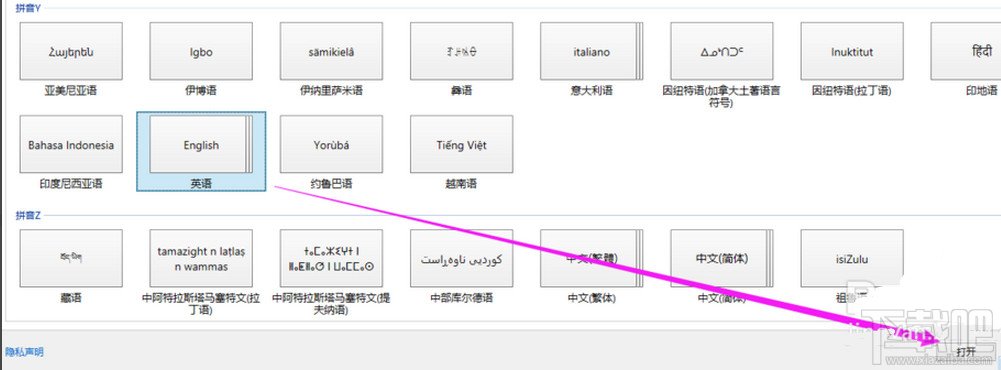
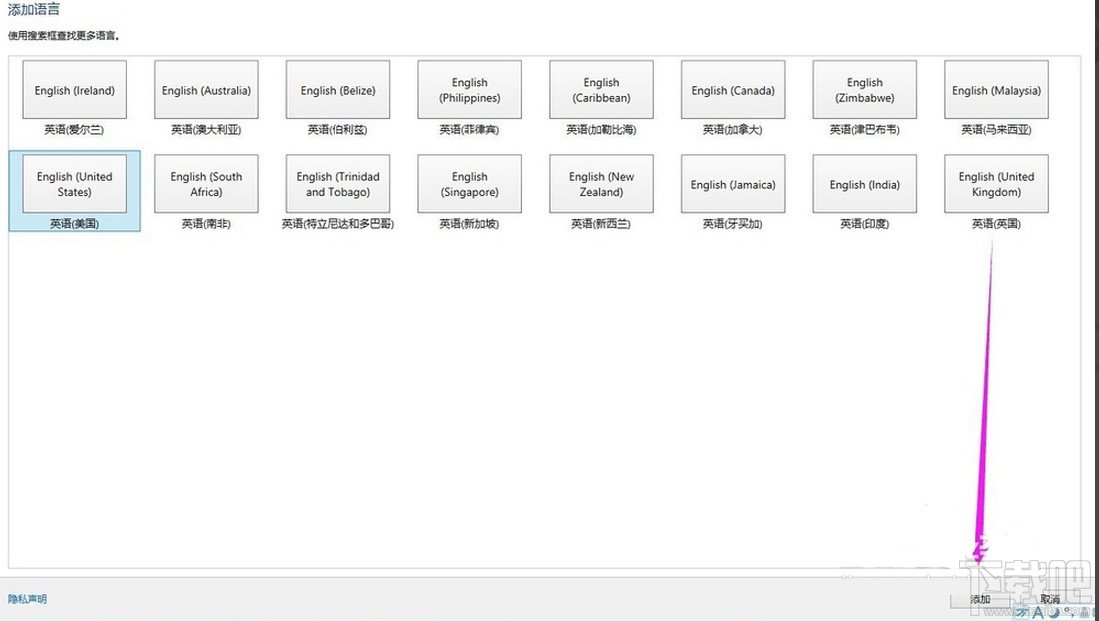
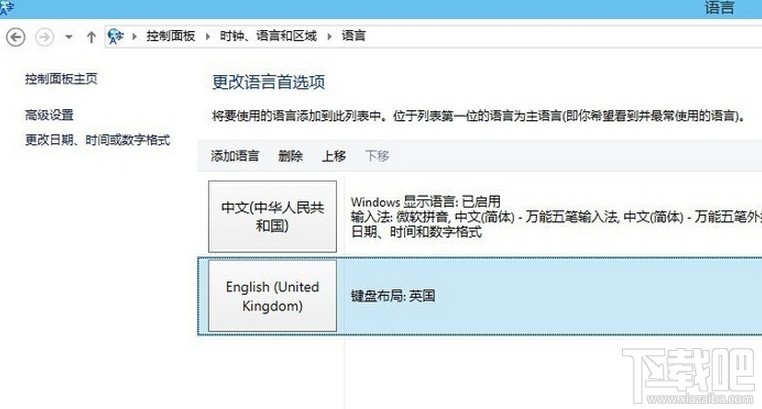
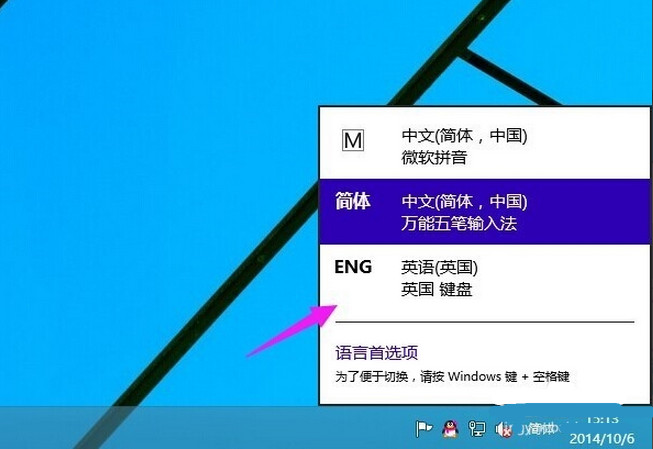
英語變體如同中文方言,按需求挑選即可。
Win10 安裝後變慢?關閉「快速啟動」提升效能
Windows 10 如何將傳統「Windows 相片檢視器」設為預設開啟方式?註冊表修復檔案關聯法
Win10 9879 硬碟無法辨識?Ubuntu Live 修復開機磁區
Win 10 藍畫面 0xAB 問題怎麼辦?微軟釋出 KB3019269 修補程式
Win10 安裝驅動藍屏 cmudaxp.sys 錯誤?C-Media 聲卡驅動衝突解決方案
Win10 玩《英雄聯盟》打字無候選框?安裝新輸入法或修改遊戲設定檔修復
Windows 10 安裝 QQ 4.0 平板版:PowerShell 側載教學
Win10 更新錯誤 0x8024402f 解決:重設更新服務與元件註冊