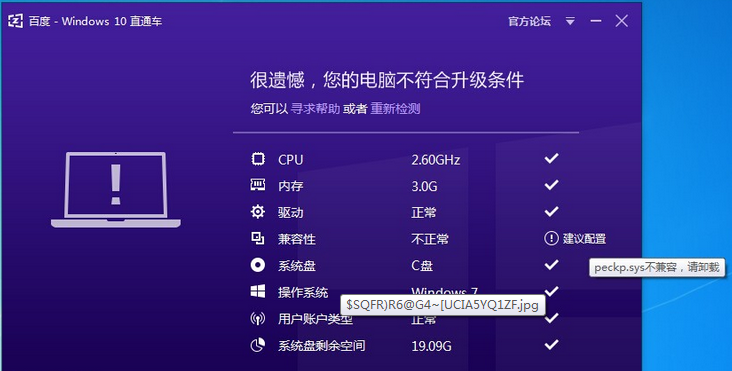
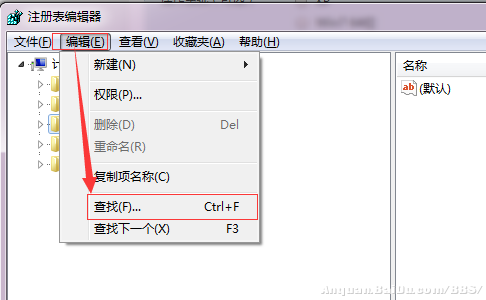
peckp.sys 為舊版網銀 (網路銀行) 驅動,已停用不相容 Win10,升級檢測會攔截。
peckp.sys
C:\Windows\System32\drivers
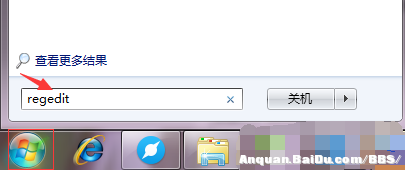
regedit
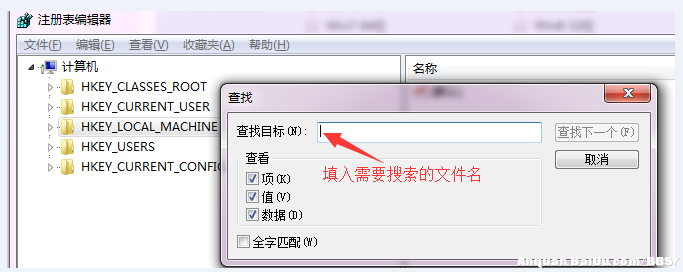
peckp
Windows 10 周年更新 14393.10 累積更新內容:Edge 可靠性、應用授權、鍵盤 Dock、聯網待機掃描、XAML 輸入、虛擬記憶體、Cortana/Excel/朝鮮語輸入法修復
Win10 解決吉吉影音無法啟動/閃退:卸載 KB3132372 更新補丁圖文教學
Win10 關閉檔案共用精靈簡化共用操作教學
Windows 10 介面恢復 Win 7/8 風格:登錄關閉鎖定畫面與現代化元素
Win10 字體發虛、模糊不清怎麼辦?註冊表與相容性雙管齊下完美解決
Win10 桌面顯示「這台電腦」圖示快速建立捷徑法
Win10 藍屏錯誤代碼 0x0000006B (SESSION3_INITIALIZATION_FAILED) 怎麼辦?清理啟動項與快取
Win10 找不到資料夾選項?檔案總管「檢視」索引標籤一鍵開啟