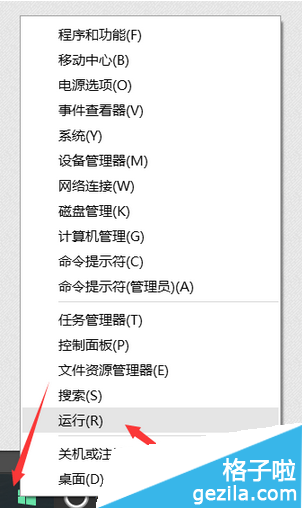
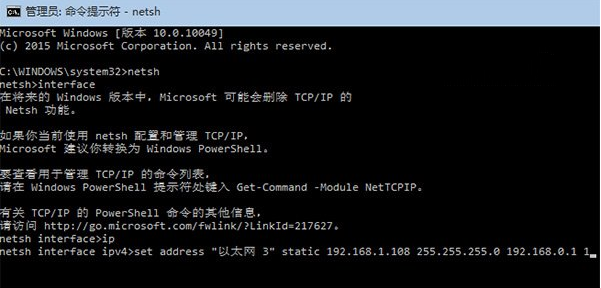
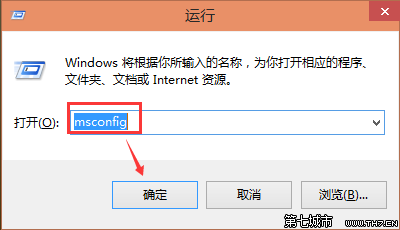
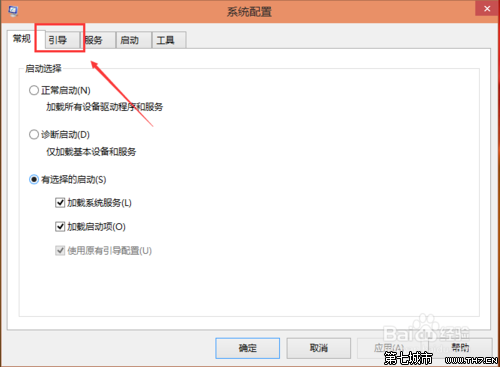
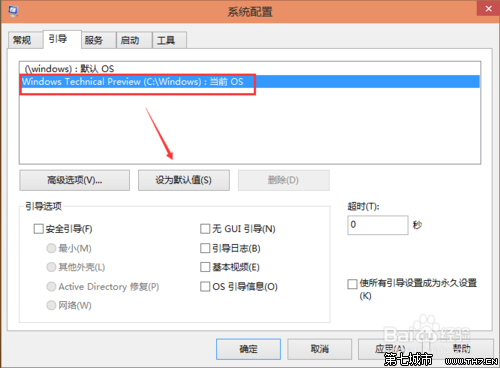
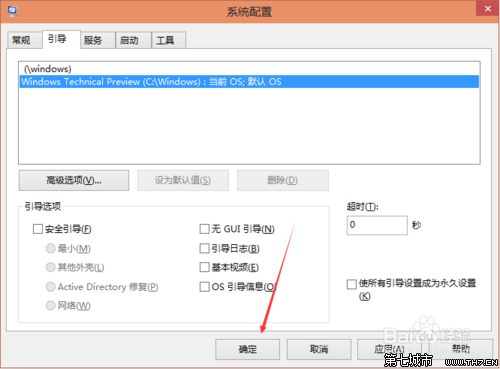
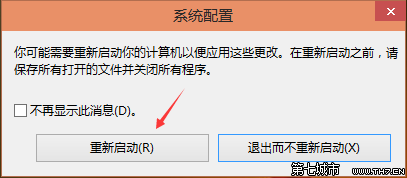
msconfig 開啟系統設定。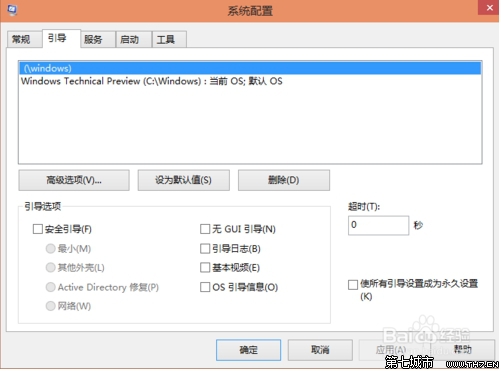
Win10 藍屏缺少 atikmdag.sys?AMD 顯卡驅動衝突進安全模式卸載重裝
Windows 10 忘記 PIN 碼如何重設?Microsoft 帳戶驗證重設流程
Windows 10 Mobile 10536 安裝錯誤 0x800705b4 解決辦法:重啟清背景、必要時還原 WP8.1 重升
Win10 直通車 peckp.sys 不相容解決:同 22073 刪除舊網銀驅動與登錄
Win10 玩 LoL 藍屏/閃退/卡頓?四大解決方案修復相容性
Win10 內建 Windows Defender 病毒掃描:開始選單 → Windows 系統 → Windows Defender → 快速掃描