桌面出現寬帶連線捷徑,雙擊即可撥號,無需多層選單尋找。
Win10 預覽版點選「修復我」出現 80080300 錯誤解決
Win10 RTM 版與正式版有何不同?微軟官方解釋:Win10 沒有 RTM
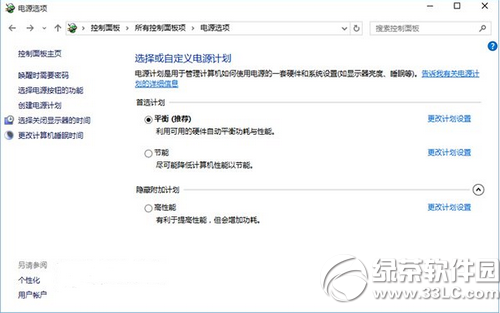
Win10 筆電電池怎麼優化?省電模式、PowerCfg 指令、電源計劃三管齊下
Win10 恢復刪除確認對話框:回收站屬性勾選顯示確認
Win 10 開始選單如何加入常用網站?IE 新分頁右鍵「將網站加入『應用程式』檢視」
Win10 玩《進擊的巨人》無法切換視窗模式?刪除登錄 KoeiTecmo 項修復
Win10 語言圖示跑到桌面?同關閉桌面語言列一招收回工作列
Windows 10 專業版如何關閉自動更新?服務管理員停用 Windows Update 服務