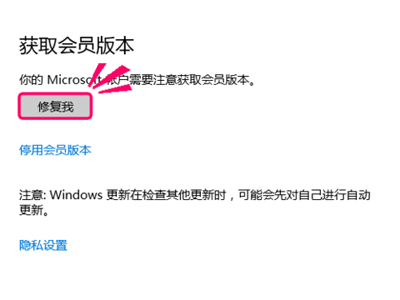
早期預覽版 (14257) 升級新版點「修復我」報 80080300 錯誤:
msconfig
dism /online /cleanup-image /scanhealth
dism /online /cleanup-image /restorehealth
先試乾淨啟動,無效再用 DISM 修復系統映像。
Win10 輸入法/語言列不見了怎麼辦?十一步完整修復從開啟輸入指示器到註冊表加入開機自啟
Win10 開啟隱藏的登入介面測試鉤子(Threshold 鍵值)
Win10 雙顯卡切換設定:指定遊戲使用獨顯
Windows 10 離線安裝 .NET Framework 3.5:使用 DISM + 安裝映像檔,無需聯網下載
Win10 安裝 CAD 提示無法啟動?相容模式+斷網+關閉 Defender 完整激活流程
Win10 解除登錄編輯器被鎖定/停用的方法
Win10 調整桌面圖示字型大小教學
Win10 啟用 Continuum 模式全新開始畫面:登錄解鎖