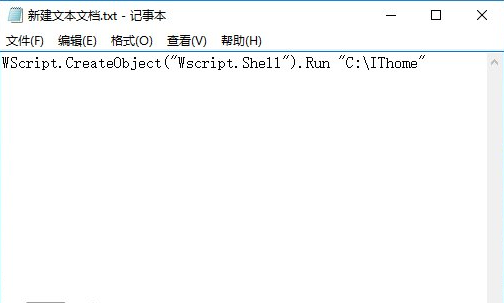
操作步驟
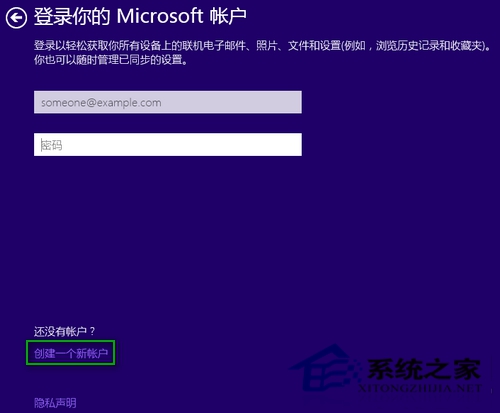
- 「登錄你的 Microsoft 賬戶」界面 → 點擊「創建一個新賬戶」。
- Outlook 註冊頁面底部 → 點擊「不使用 Microsoft 賬戶登錄」。
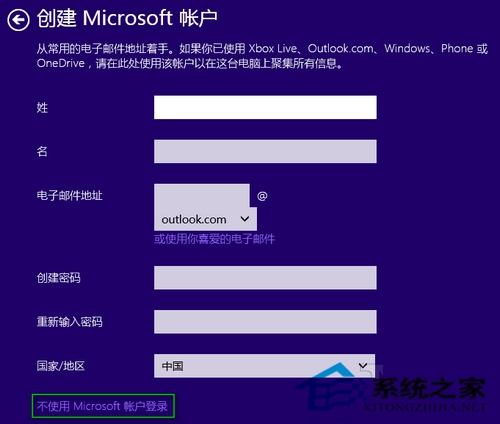
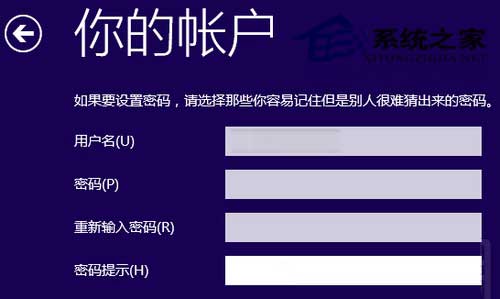
- 進入「本地賬戶創建」界面 → 輸入用戶名/密碼(可選) → 「完成」直接進入桌面。
替代技巧
安裝全程斷網(拔網線/關 Wi-Fi/飛行模式),安裝程序檢測無網絡將自動跳過 Microsoft 賬戶步驟,直接進入本地賬戶創建流程。
適用人群
- 無/不願綁定 Microsoft 賬戶用戶。
- 企業/離線/高安全環境部署。
- 偏好傳統本地賬戶管理模式用戶。