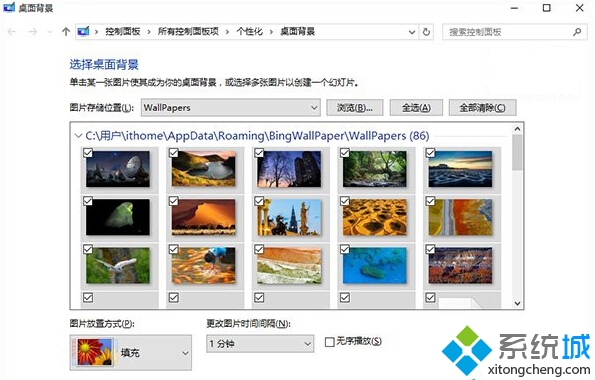
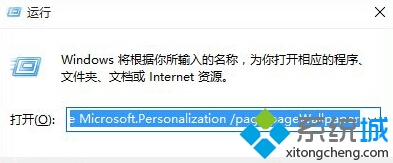
想直接開啟傳統的「桌面背景」設定視窗(而非新版個人化頁面)?按 Win + R 輸入以下指令即可:
control /name Microsoft.Personalization /page pageWallpaper
執行後即彈出經典桌面背景設定介面,可快速更換壁紙、設定幻燈片撥放等。
Win 10 磁碟清理按鈕消失?回收站設定「自訂大小」即可恢復
Win10 磁碟清理按鈕不見了?啟用回收站即可恢復
Win10 C 槽空間暴增主因:FileRepository 驅動備份膨脹
Win10 禁止應用程式背景執行:節省資源延長續航力
Win10 輸入法列消失不見怎麼找回?開啟桌面語言列與 ctfmon 服務
Windows 10 Build 14901 更新內容詳解:文件總管新通知與已知問題
Win10 如何在工作列新增網址輸入框?工具列啟用「位址」一鍵開啟網站
Win 10 如何查看已連接 Wi-Fi 密碼?圖文步驟輕鬆找回