習慣用 Google 搜尋但小娜預設用 Bing?透過自製 Chrome 擴充功能,即可攔截小娜搜尋請求並重導向至 Google(或百度)。
CortanaUseGoogle。CortanaUseGoogle.js 與 manifest.json(含副檔名)。CortanaUseGoogle.js 貼入攔截重導向程式碼(文中提供完整代碼)。manifest.json 填入擴充功能資訊與權限(文中提供完整代碼)。.crx 檔 → 拖入 Chrome 視窗安裝。
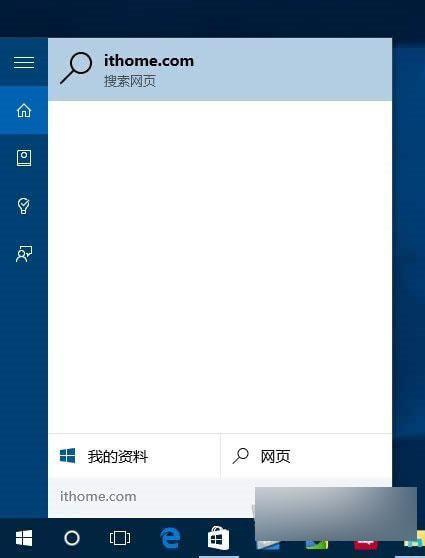
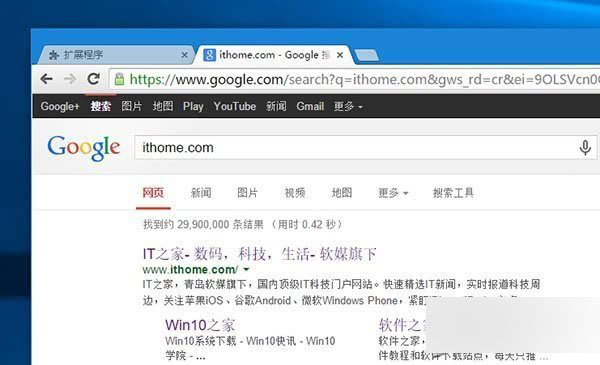
修改 JS 代碼中 https://www.google.com/search?q= 為 https://www.baidu.com/s?wd=,並移除 .replace("%20", "+") 即可。其他引擎請參考其搜尋網址結構自行調整。
這或許是你親手開發的第一個 Chrome 擴充功能!
Win10 郵件應用無法同步/Outlook 同步失敗 0x80c8043e?PowerShell 移除佈建套件重裝郵件與行事曆
Win10 Firefox 瀏覽器清除快取完整教學:透過 about:cache 定位刪除
騰訊 Win10 升級助手被指流氓軟體?強制安裝管家、懸浮窗難關、開機自啟、驅動程式殘留,官方回應與解決方案
Win10 內建放大鏡啟用教學:設定 → 輕鬆使用 → 放大鏡,支援全螢幕/鏡頭/固定模式
Win10 安裝提示「這台電腦無法執行 Windows 10」?更新 BIOS 解決
Win10 系統字體大小調整:設定 → 系統 → 顯示 → 進階縮放完整圖解