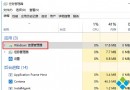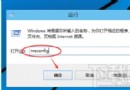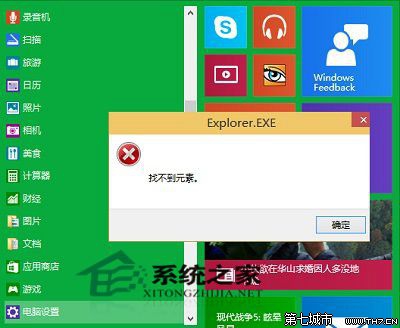
切換「開始選單」與「開始畫面」可嘗試修復:
Win10 更新後不斷彈出事件檢視器?關閉 Windows Event Log 服務解決
Win10 管理員帳號被停用無法進入系統?PE 環境下利用 sethc.exe 替換法重啟啟用
Win10 預覽版開機黑屏救援指南:進入安全模式 → 清除啟動 → 卸載衝突軟體
Win10 筆電工作列不顯示電源/電池圖示?驅動程式重新啟用或系統圖示設定開啟
Office 輸入文字覆蓋後方內容?誤觸「Insert」鍵開啟覆寫模式,一鍵關閉
Win10 如何查看各磁碟機安裝了哪些應用程式?設定→系統→應用程式與功能依磁碟機篩選
Win10 升級 10041 報錯 0x80070103 / 8024a000?清理暫存、重置更新服務、刪除殘留資料夾三步驟修復