Windows XP Windows 7 Windows 2003 Windows Vista Windows 綜合教學 Linux 系統教學
Windows 10 Windows 8 Windows 2008 Windows NT Windows Server 電腦軟體教學

Win10 系統效能評分 (WEI) 查看與重新執行方法

編輯:Windows 10 系統介紹

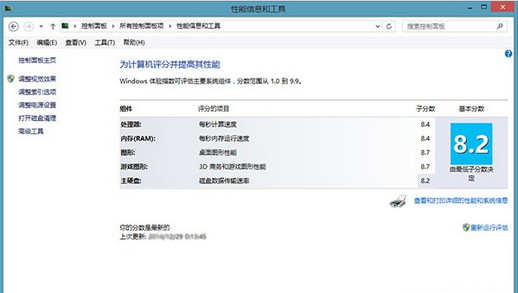
Windows 體驗指數 (WEI) 在 Win8.1 起從控制面板移除,但底層評估工具 winsat 仍保留。Win10 可透過以下方式查看或重跑分數:

查看既有分數

  1. 檔案總管進入 C:\Windows\Performance\WinSAT\DataStore,開啟最新 `<日期> Formal.Assessment (Initial).winxml` 檔 (XML 格式)。
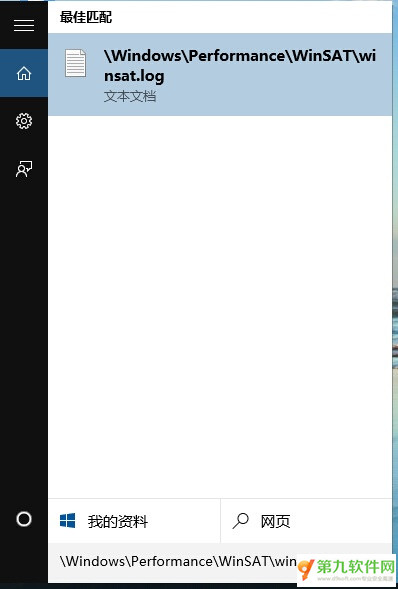
  2. 或開啟 C:\Windows\Performance\WinSAT\winsat.log,由下往上搜尋 Wrote CRS score to the registry 那一行,包含總分與五項子分 (處理器、記憶體、圖形、遊戲圖形、主硬碟)。

重新執行評估

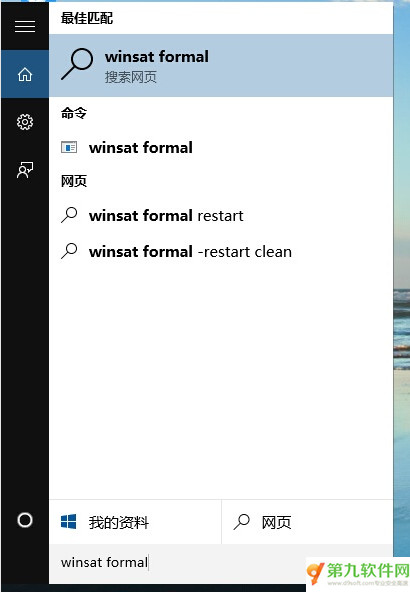
  • 開始選單輸入 winsat formal → 以系統管理員身分執行 (命令提示字元跑分)。
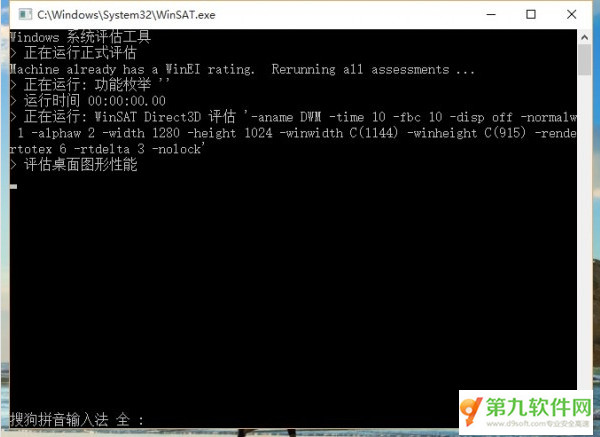
  • 或下載免費小工具 ExperienceIndexOK (48 KB),解壓執行即可圖形化顯示分數並可重跑。

WEI 歷史介面

winsat.log 查看分數

執行 winsat formal

ExperienceIndexOK 介面

Copyright © Windows教程網 All Rights Reserved