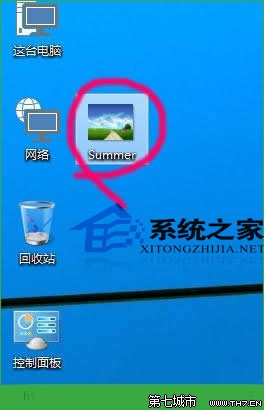
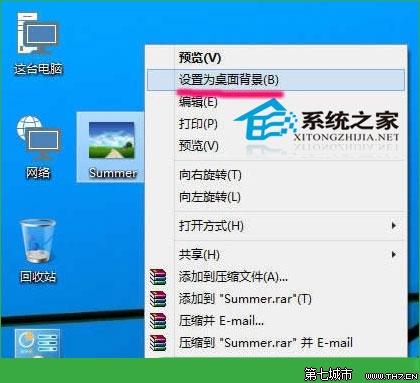
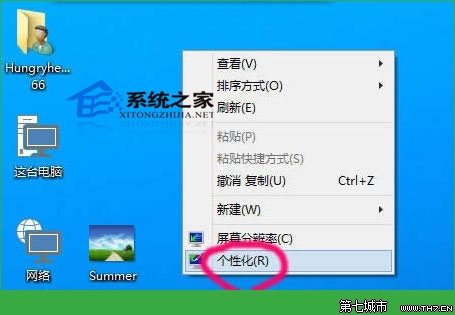
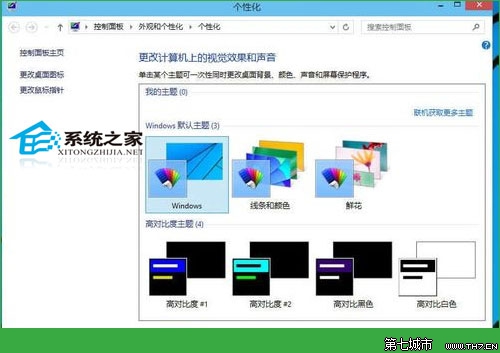
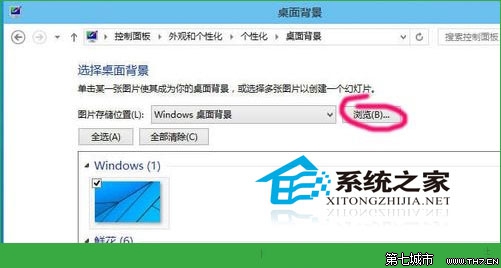
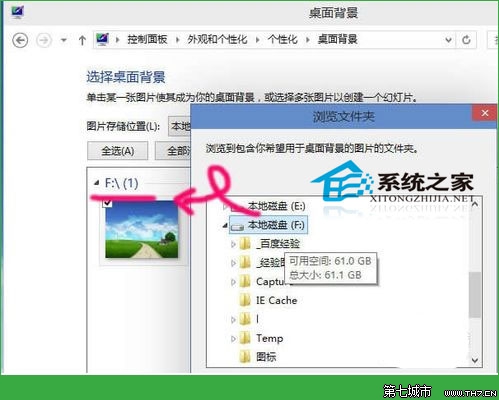
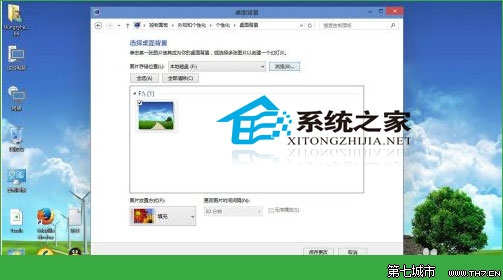
右鍵圖片 → 「設定為桌面背景」(預設填滿)。
Win10 筆電只有一個 C 槽?教你用磁碟管理分割出 D 槽
Windows 10 企業版、專業版、家庭版功能差異完整比較
Win10 工作群組無法存取 Win7/8.1 電腦?憑證管理器加入 Guest 憑證解決
Win10 系統「更改電腦設定」兩大入口:快捷鍵與開始選單全解析
Win10 360 極速瀏覽器 CPU 100%?關閉硬體加速視頻解碼 + 實驗室取消「只能開啟硬體加速」
Windows 10 續航縮水、發熱嚴重?關閉背景應用程式執行權限改善筆電/平板續航力
Win10 Build 9926 應用程式商店新 UI 搶先看:灰色調主題、垂直捲軸、全螢幕集合頁面
Win10 螢幕四等分分屏操作:Snap Assist 完整指南