Windows 10 下 360 極速瀏覽器 (Chromium 內核) 佔用 CPU 100%,通常是硬體加速視頻解碼衝突。透過內部設定頁面關閉相關選項即可解決。
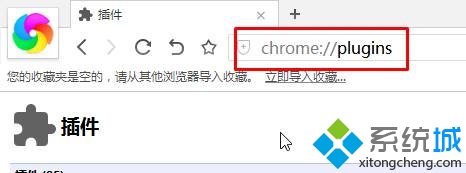
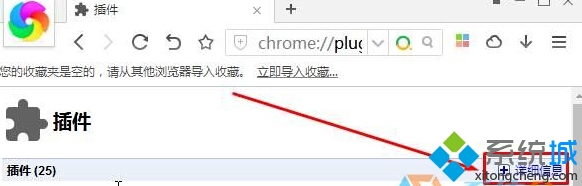
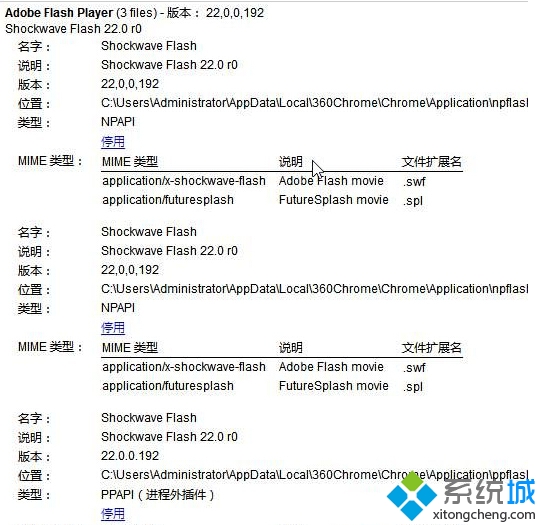
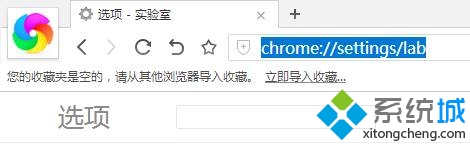
chrome://plugins/ → 點擊右上角「詳細資訊」展開 → 確認 Adobe Flash Player 相關外掛程式均已啟用。chrome://flags/#disable-accelerated-video-decode → 「硬體加速的視頻解碼」選擇「停用」。chrome://settings/lab 進入「實驗室」→ 取消勾選「只能開啟硬體加速」→ 重新啟動瀏覽器。此為 Chromium 內核瀏覽器通用調優手法,同樣適用於 Google Chrome、Microsoft Edge (舊版)、其他 Chromium 系瀏覽器。