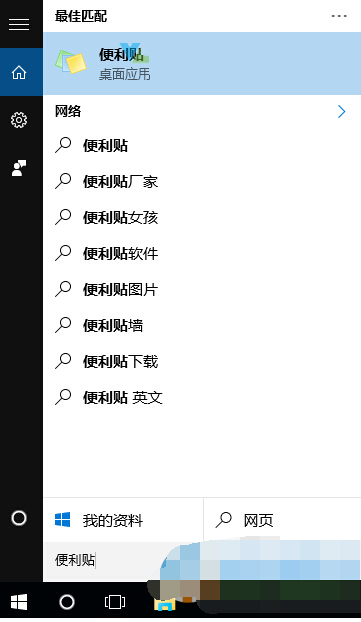
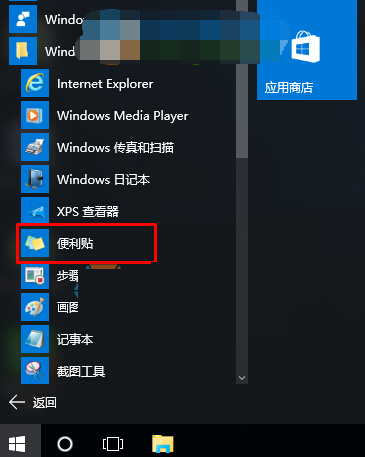
Win 10 將舊版「便箋」更名為「便利貼」並歸屬 Windows 附屬應用程式,新版 OneNote 佔用「便箋」名稱。
便利貼需登入 Microsoft 帳戶同步雲端筆記,舊版便利貼 (傳統桌面程式) 可搜尋「便利貼」開啟 (若保留)。
Win10 9879 任務欄搜索按鈕變搜索框:注冊表 EnableSearchBox=1 一鍵啟用
Win10 控制台指令大全:rundll32 快速開啟各項設定
Windows 10 開始按鈕右鍵無反應?註冊表修復 IsShortcut 解決法
Windows 10 Build 9860 安裝卡在 18%?五大破解方案與 USB 安裝法
Win8.1 升級 Win10 僅 Edge 可上網的解決方案
Win10 裝置管理員出現「F5521gw 未知裝置」?是愛立信 WWAN 卡缺驅動
Windows 10 安全模式與一般模式差異:無法聯網、解析度降低、圖示放大
Win10 Edge 瀏覽器無法播放網頁影片?開啟 Adobe Flash Player 即刻解決