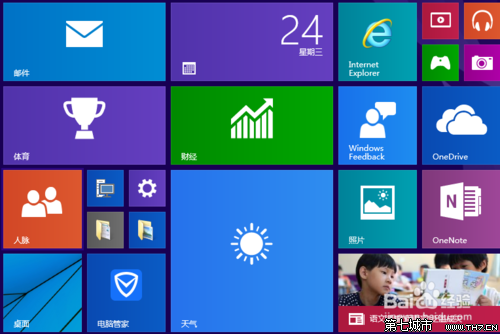
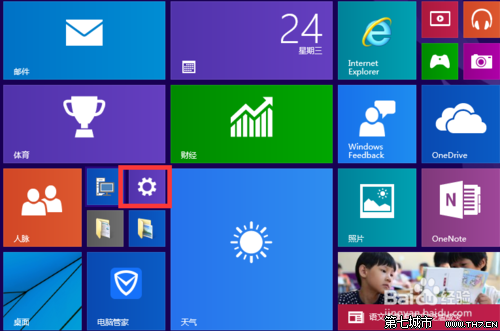
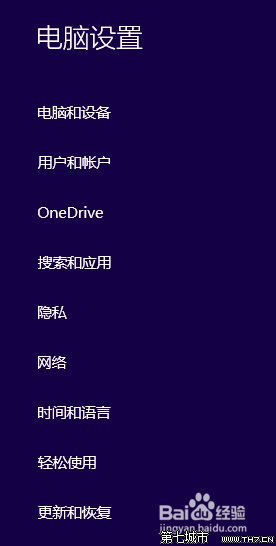
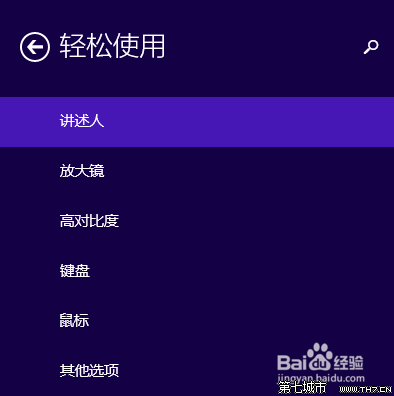
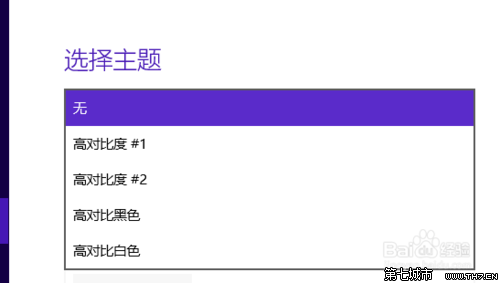
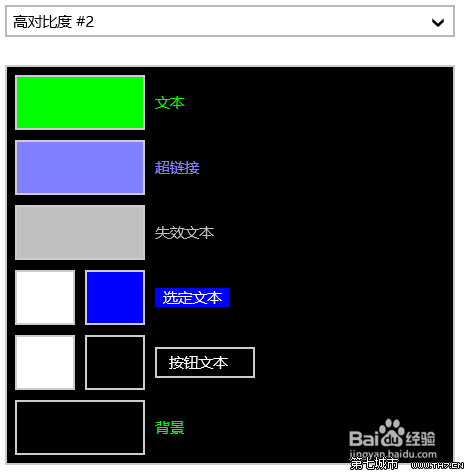
注意:高對比度可能造成視覺誤導,請謹慎使用,不適合長時間閱讀。
Win10 開啟 Windows Defender 提示 0x80070422 錯誤?啟動相關服務即可解決
Win10 常見三大問題與解決:亮度無法調節、Wi-Fi 熱點指令失敗、資料夾藍色雙箭頭
Win10 點選關機卻自動重開機?關閉快速啟動解決
Windows 10 截圖動畫失效 (螢幕不變暗) 解決方案:兩大設定檢查點 (重複內容整理版)
Win10 如何還原預設系統?「重設此電腦」功能三種模式完整教學
Win10 登錄表編輯器搜尋功能 (F3) 無法使用解決方案
Win10 進不去安全模式?msconfig 強制啟用安全開機
Win10 阻止應用程式自動安裝(消費者體驗功能):登錄編輯器一鍵禁用