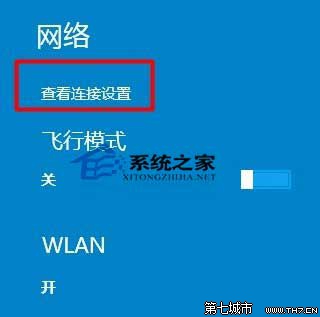
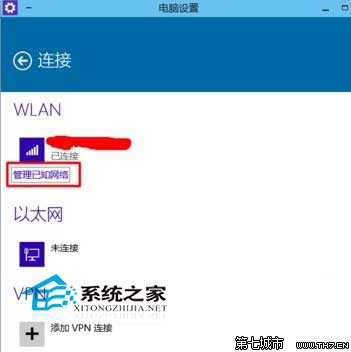
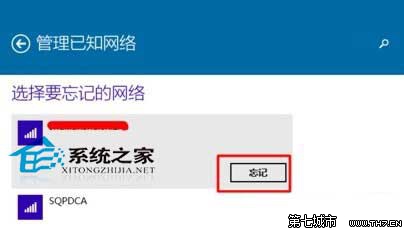
刪除後該網路不再出現在已知清單,下次連線需重新輸入密碼,適合清理舊舊或錯誤的 Wi-Fi 設定檔。
Windows 10 解除 Administrator 與 Microsoft 帳戶綁定:登錄編輯刪除關聯鍵值
Win10 郵件應用程式無法同步?PowerShell 重新註冊 Communications Apps 組件修復
Windows 10 任務列多出「網址列」移除:右鍵工作列→工具列→取消勾選網址列
Win10 開機彈出「OneDrive 同步引擎已停止運作」解決方案:停用排程工作
Windows 10 免費嗎?個人用戶免費升級、企業版需付費授權
Windows 10 Build 10130 核心變化與測試規模揭密:Fast Ring 1500 台、50 萬裝置跑 10122、170 萬裝置跑 10074