Windows XP Windows 7 Windows 2003 Windows Vista Windows 綜合教學 Linux 系統教學
Windows 10 Windows 8 Windows 2008 Windows NT Windows Server 電腦軟體教學

Win10 桌面圖示與工作列消失怎麼辦?重啟 explorer.exe 即刻解決

編輯:Windows 10 系統介紹

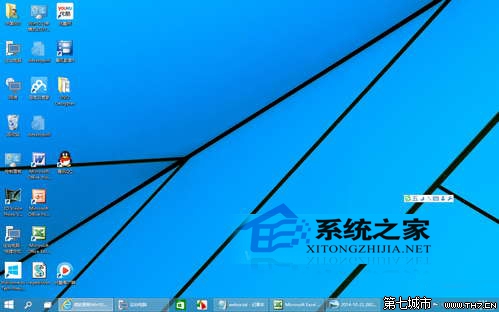
Win10桌面圖示消失示意圖

Win10 桌面圖示與工作列突然不見,通常是因為 Windows 資源管理器 explorer.exe 意外關閉導致。只需重新啟動它即可快速恢復。

解決方法:透過工作管理器重啟 explorer.exe

步驟 1:開啟工作管理器並建立新工作

按 Ctrl + Shift + Esc 開啟工作管理器,點擊「檔案」選單,選擇「執行新工作」。

工作管理器執行新工作

步驟 2:輸入 explorer 並確定

在「建立新工作」視窗中輸入 explorer,按 Enter 或點擊「確定」。

輸入explorer指令

步驟 3:桌面與工作列即刻恢復

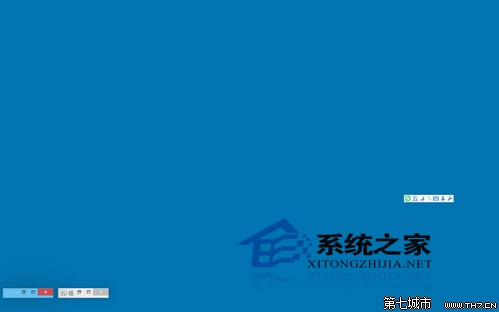
資源管理器重啟後,消失的桌面圖示與工作列會立即回來。

桌面圖示恢復

原理解析

explorer.exe 是 Windows 程式管理器與檔案總管,負責管理圖形介面殼層,包含桌面、工作列與檔案管理。當它異常終止時,透過工作管理器「執行新工作」輸入 explorer 即可重新載入介面。

Copyright © Windows教程網 All Rights Reserved