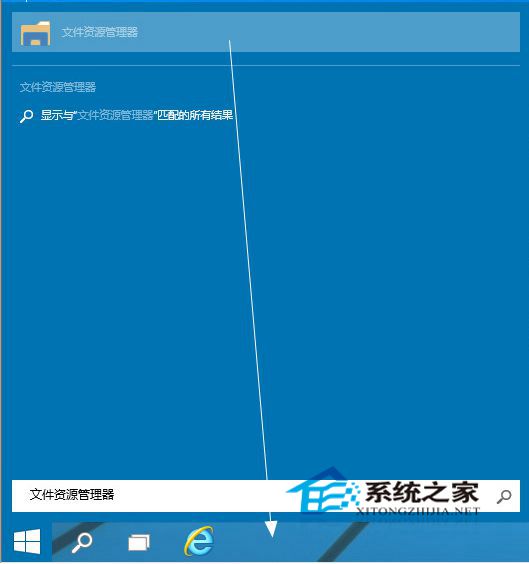
誤將「檔案總管」從工作列取消釘選?一招找回:
Win10 還原出廠設定完整圖文教學(含備份提醒)
Win10 筆電如何開啟省電模式?自訂啟用電量門檻延長續航
Windows 10 寫字板儲存為 TXT 純文字格式:兩步驟操作指南
Win10 開始選單電源選項缺少「休眠」?電源選項啟用休眠顯示
Windows 10 防止關機時自動更新:官方工具 wushowhide.diagcab 隱藏特定更新
USB 版 Windows 10 安裝教學:微軟官方推出隨身碟零售版,含家用版/專業版雙版本
Win10 Build 10130 工作列彈出視窗失效 Bug:微軟釋出修補補丁,已知問題含郵件程式崩潰、WiFi 失效
Win10 螢幕變直向顯示?一鍵在設定將方向改回橫向