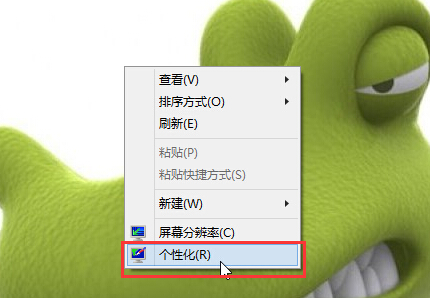
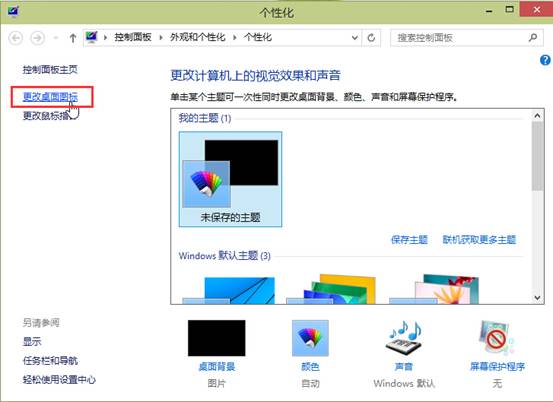
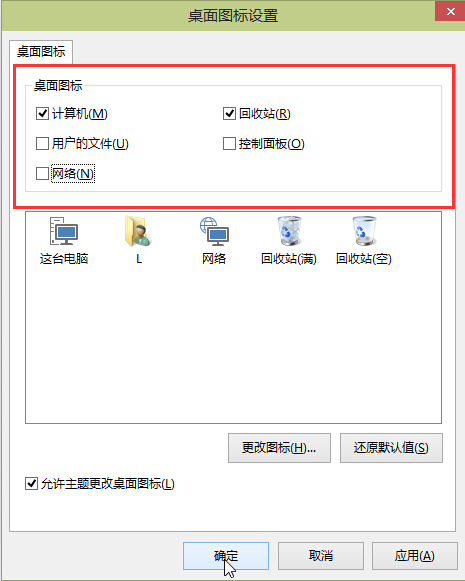
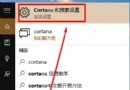
Win10 桌面新增應用程式捷徑,透過個人化設定快速完成:
此法適用於系統內建應用,第三方軟體建議從開始選單右鍵「開啟檔案位置」再建立捷徑。
Win10 系統設定共用項目清單顯示數量:依螢幕大小調整分享選單項目數
Win10 變更預設瀏覽器教學:設定 Chrome/Firefox 為預設
Win10 玩 LOL 藍屏/閃退/卡頓解決:TGP 啟動、更新顯卡驅動、修復工具三大招
Win10玩遊戲切換輸入法卡頓怎麼辦?添加英文輸入法完美解決
Windows 10 Build 10074 重大更新:修復開始選單/Cortana 無法開啟、藍牙錯誤 43、SD 卡應用無法安裝等六大問題
Win10 協助移除預裝應用:PowerShell 命令行指南
收不到 Windows 10 升級推播?KB3035583 修補程式檢查與強制觸發教學
Win10 14271 更新內容與已知問題彙整