虛擬機讓你在主系統隔離環境下安全試玩 Win10,不影響實體磁碟分區與開機磁區。以 VMware Fusion 7 (Mac 版) 為例:
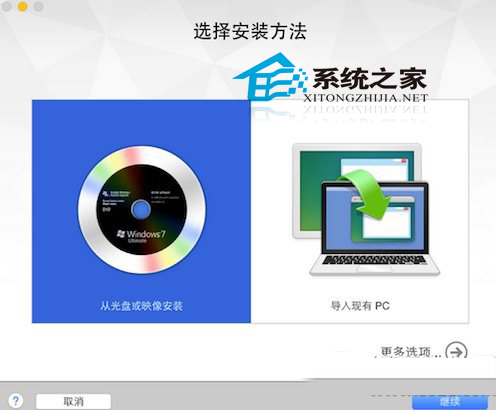
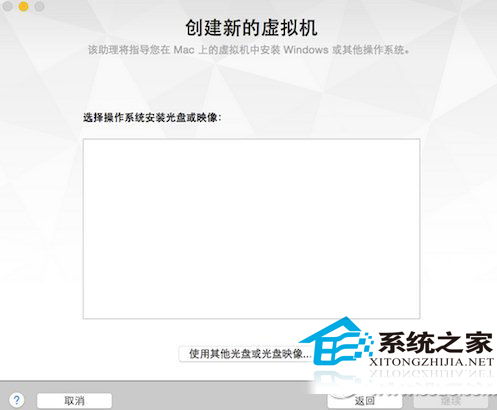
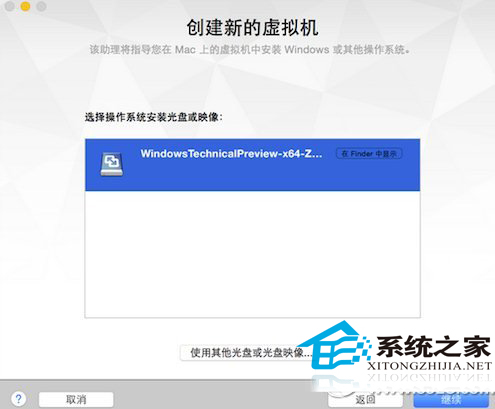
Windows 版 VMware Workstation 流程大同小異。虛擬機體驗預覽版零風險,隨時可刪除或還原快照,是嘗鮮最佳選擇。
Win10 如何清除 DNS 快取:ipconfig /flushdns 指令三步驟完成
Win10 徹底停用迅雷看看開機自啟:刪除註冊表 ShellIconOverlayIdentifiers 項目
Windows 10 一鍵恢復預設內建應用:PowerShell 指令重新註冊 AppX 套件
Win10 暫時禁用小娜 (Cortana):任務列右鍵 → 搜尋 → 禁用/顯示搜尋圖示/開啟
Windows 10 啟用 Cortana (小娜) 語音助手教學:變更地區/語言為美國英文、登入 Microsoft 帳號、開啟「嘿 Cortana」
Win 10 怎麼設定省電模式?動作中心→系統→電池節電模式自訂門檻與白名單