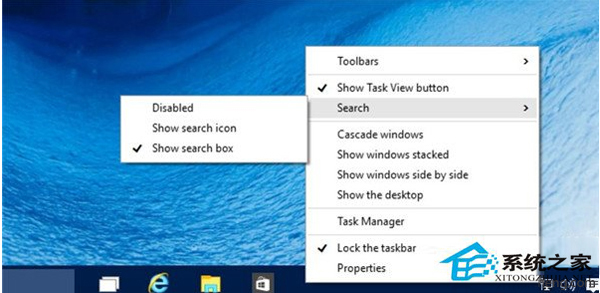
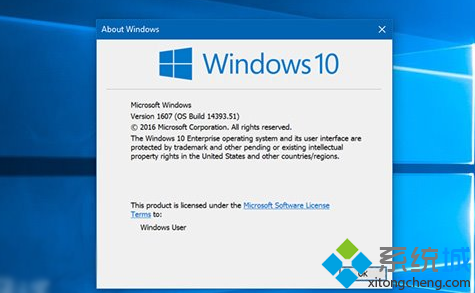
Win10 早期版本 Cortana 不支援中文,想暫時禁用騰出工作列空間:
隨時可在同處切換回「開啟」恢復 Cortana。正式版中文支援後再開啟即可。
Win10 內建指令實現定時關機,免安裝第三方軟體
硬碟安裝 Win10 單/雙系統詳細步驟:軟媒硬碟裝機工具
Win10 預覽版 10586 桌面右下角「測試模式」水印如何關閉?
Windows 10 正式版六大核心新功能深度解析
Win10自訂Edge瀏覽器啟動畫面背景色?修改註冊表RGB值輕鬆換膚
Win10 Edge 瀏覽器安裝擴充功能完整圖文步驟:下載、解壓、載入、啟用
Win10 如何移動「我的文件」資料夾到別磁碟?屬性→位置→移動釋放 C 盤空間
Win10 如何修改/新增/切換輸入法?設定 > 時間與語言 > 語言完整圖文教學