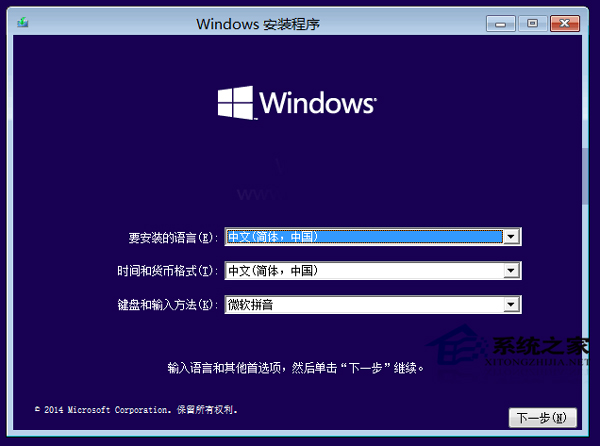
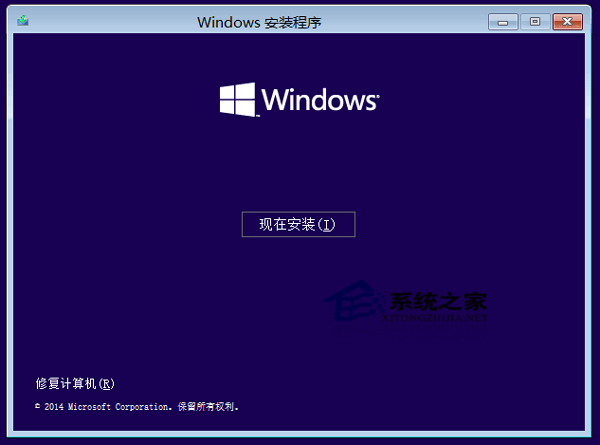
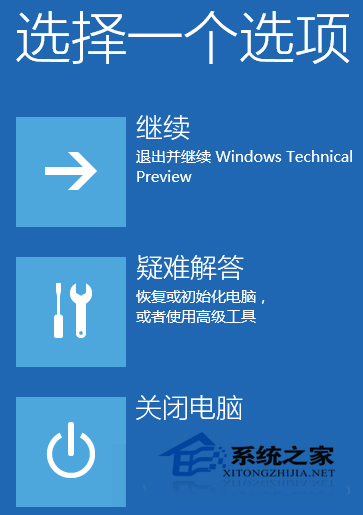
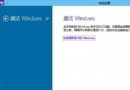
利用 Windows 恢復環境 (WinRE) 重新安裝 Windows 10:
WinRE 內建於系統保留分割區,亦可透過安裝媒體存取,提供不進入系統時的修復管道。
Win10 啟用舊版工作列時鐘:登錄表一鍵找回經典日期時間顯示
Windows 10 檔案總管太雜亂?關閉「常用資料夾」與「最近使用檔案」顯示
Win10 玩《英雄聯盟》全螢幕顯示不全?切換解析度重設修復
Win10 禁止自動更新新版本?登錄表建立 RecoveredFrom 封鎖特定版本號
Win10 如何啟用 Cortana 小娜語音助手?區域語言改「英文(美國)」+ 登入 Microsoft 帳號
Win10 Build 10162 推送更新:提升電池續航、修正 Bug
Win10 Cortana 小娜反應慢?群組原則禁用網路搜尋加速本地響應
Windows 10 開機密碼設定與取消教學:netplwiz 自動登入設定