成為 Windows Insider 體驗預覽版流程:
- 瀏覽
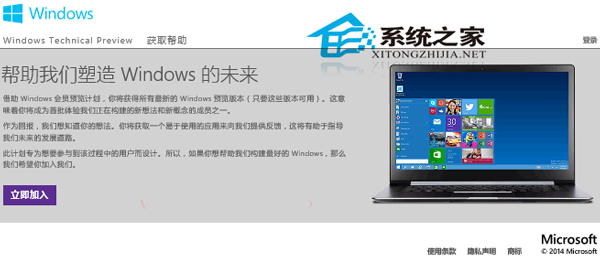
insider.windows.com (Windows Insider Program 官網)。
- 使用 Microsoft 帳號登入 → 點選「成為會員」。
- 閱讀條款與隱私權聲明 → 點選「我接受」。
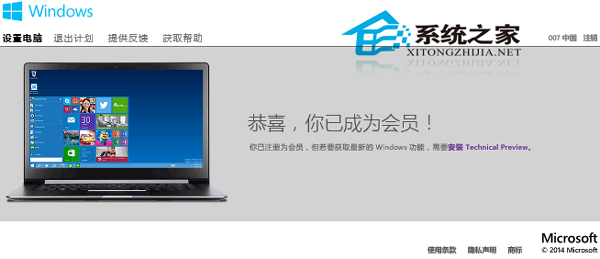
- 顯示「恭喜,你已成為會員!」 → 點選「安裝 Technical Preview」連結。
- 下載 ISO 或透過 Windows Update 取得預覽版建置版本。
加入後可透過「設定」→「更新與安全性」→「預覽體驗計畫」管理內部建置版本接收頻道 (快速/慢速/發布預覽)。