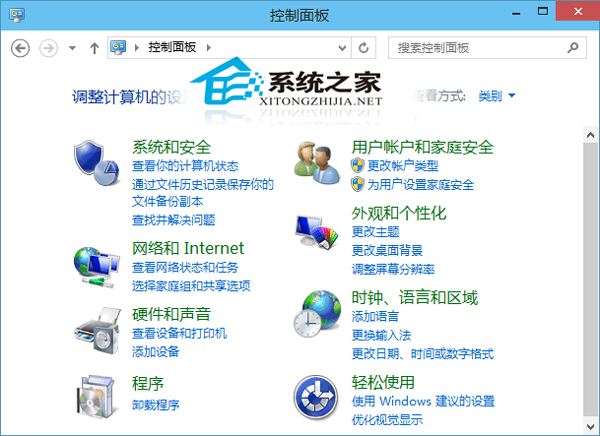
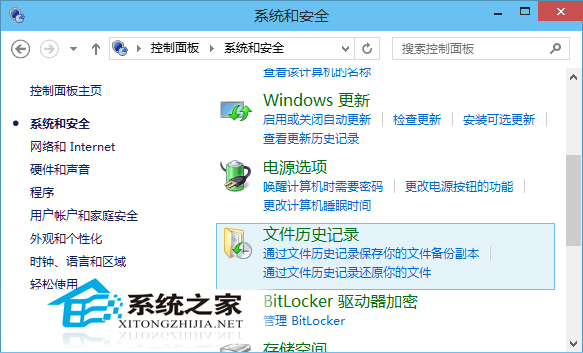
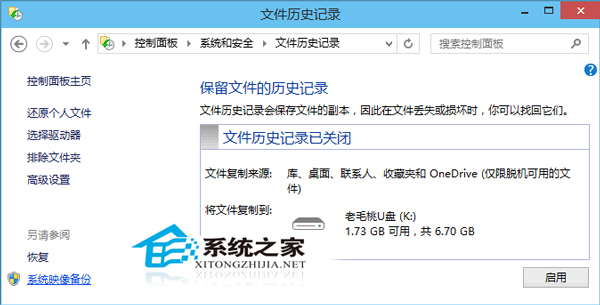
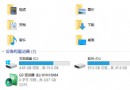
系統映像為磁碟完整副本,可在災難恢復時還原整個系統:
備份完成後可建立「系統修復光碟」 (或 USB),災難時開機進入 WinRE 還原映像。建議定期 (如每月) 建立一次系統映像。
Win10 開始選單磚設定全攻略:新增、移除、調整大小、固定工作列
Win10 多重桌面功能設定與操作教學
Win10 週年更新開始選單無法關機?微軟確認 Bug,Win+X 或 Alt+F4 替代
Windows 10 正式版開機慢?啟用快速啟動、停用開機啟動項、檢查驅動三步驟加速
Win10 C 槽空間暴增主因:FileRepository 驅動備份膨脹
Win10 系統關閉 QQ 會員自動續費:圖文步驟詳解
Win10 開啟 Windows Defender 提示 0x80070422 錯誤?啟動相關服務即可解決
Win10 讓小娜 (Cortana) 語音關機/重啟/休眠/登出:建立捷徑指令法