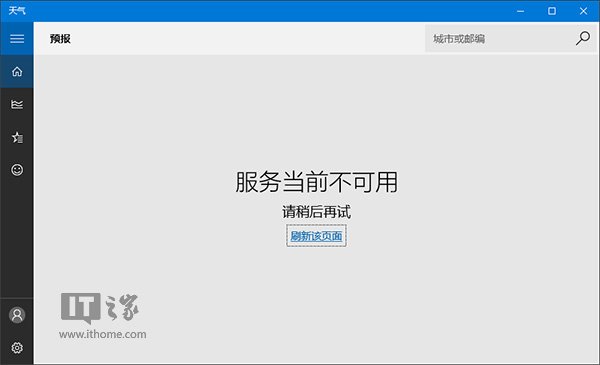
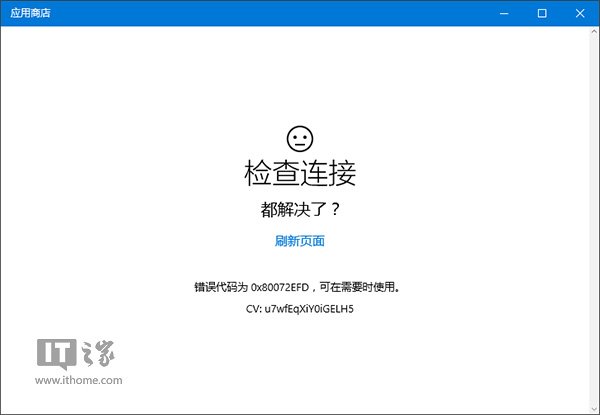
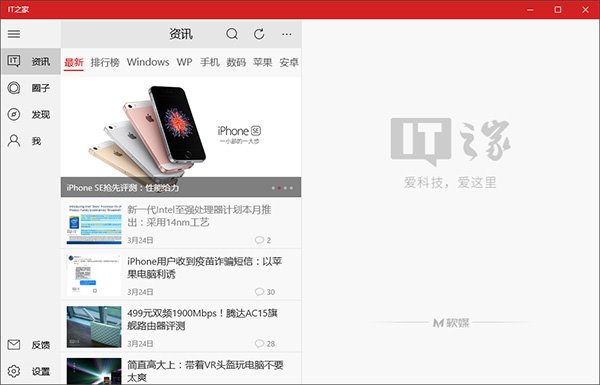
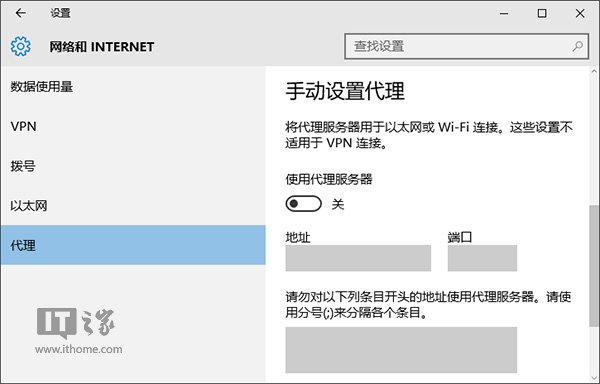
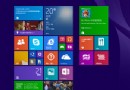
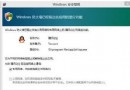
開啟第三方代理工具「全域代理」模式時,Win10 商店、天氣、IT之家等 Modern App 無法聯網甚至閃退 (如 Xbox App)。原因:Modern App 受系統代理設定影響,不走代理工具流量。
關閉後 Modern App 即恢復正常聯網。若需代理上網,建議代理工具改用「PAC 模式」或「規則模式」,勿用全域模式。
Win10 卸載揚聲器裝置:裝置管理器操作步驟
pagefile.sys 是什麼?可不可以刪除?Win10 關閉虛擬記憶體刪除 pagefile.sys
Win10 內建應用程式無法開啟?三步重置 Windows Update 快速修復
Win10 管理開機自啟項目:透過工作管理器輕鬆刪除多餘啟動項
Win10 筆電螢幕亮度調整完整教學
Windows 10 找回輸入法圖示與語言列的兩種方法
Win10 放大鏡工具路徑在哪?兩種快速啟動方式教學
64 位元 Win10 可用記憶體突然變少?msconfig 取消「最大記憶體」限制恢復完整容量