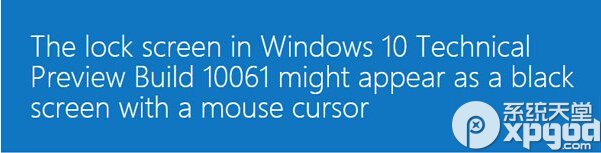
Build 10061 鎖定/登出畫面可能黑屏僅剩游標,Alt+Tab、Ctrl+Alt+Del 無效。微軟釋出 KB3055415 修補程式修復。
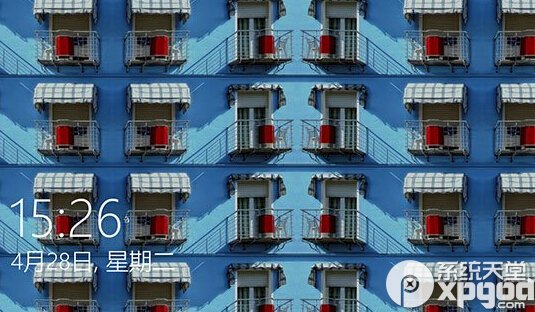
鎖定畫面黑屏示意
修補程式 KB3055415
進入系統後請立即透過 Windows Update 安裝修補程式徹底解決。
Win10 自訂桌面壁紙設定新手教學
Win10 小娜(Cortana)不說話怎麼辦?設定預設播放裝置解決
Win10 磁碟 100% 佔用終極解決方案:16 招從服務優化到換 SSD
Win10 工作列「Windows」小圖示 (GWX) 功能解析:預載安裝檔、減輕釋出日伺服器負載、盜版也能升級但不洗白
Win10 關閉任務欄預覽縮略圖?註冊表兩鍵值永久禁用
Win10 Build 14385 更新內容詳解:Edge PDF 觸控修復、Lumia 老機型續航優化、雙 SIM 卡命名修復
盜版升級 Windows 10 竟能「洗白」?實測三大升級管道激活狀態全紀錄
Win10 內建畫圖合併兩張圖片:零第三方軟體,拖曳調整輕鬆拼圖