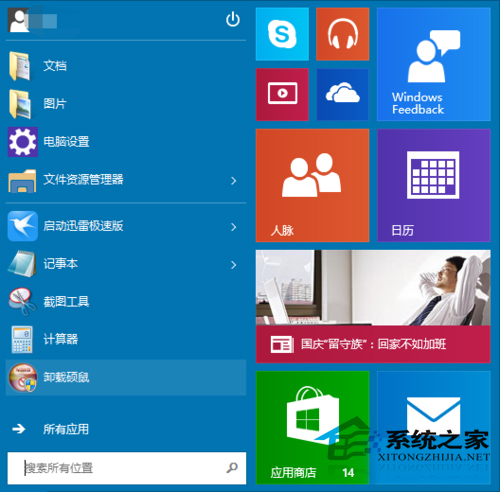
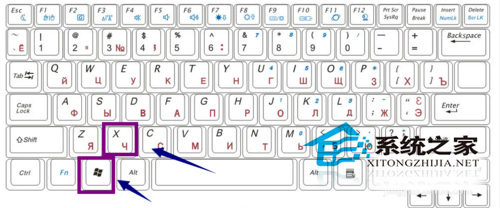
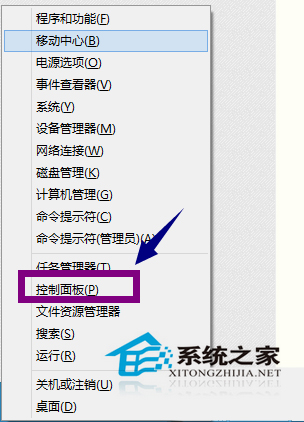
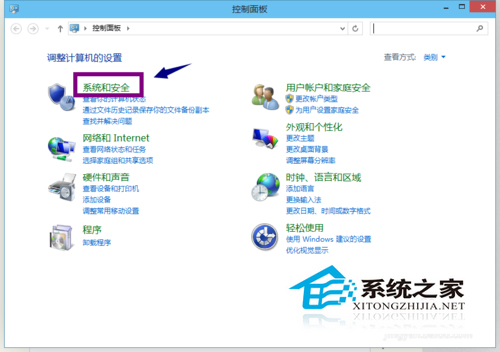
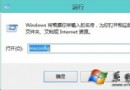
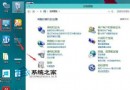
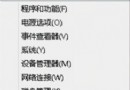
Windows 10 預設睡眠/待機喚醒需輸入密碼,若在安全環境下使用 (如家中桌機),可關閉此要求以加快喚醒速度。
Modern 介面法 (設定 App):設定 → 帳戶 → 登入選項 → 「喚醒時需要登入」設為「永不」。兩種方式效果相同,建議筆電外出使用者保留密碼保護資料安全。
Win10 安裝選用功能「圖形工具」失敗 0x800F081F?掛載 ISO 修復來源解決
Win10 調整桌面圖示間距,註冊表修改 IconSpacing/IconVerticalSpacing 完整教學
Win10 應用商店無法下載應用?三招清快取、重設服務、修復元件
Windows 10 更新錯誤代碼 80070003 解決方法
Win10 回饋與診斷頻率怎麼設?隱私設定調整資料傳送頻率
Win10 桌面 IE 圖示刪不掉?登錄刪除 NameSpace 下 IE 專屬 GUID 即可
升級 Win10 後提示「授權即將過期」怎麼辦?重新啟動或聯繫原廠/購買正版授權
Windows 10 強制自動更新無法關閉?家用版鎖定更新機制背後邏輯與因應策略