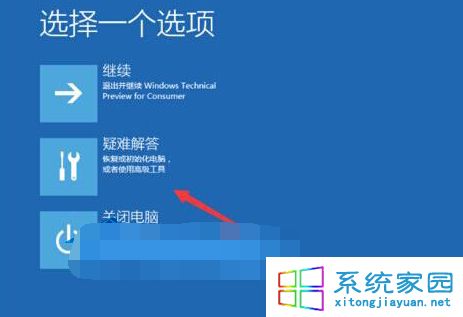
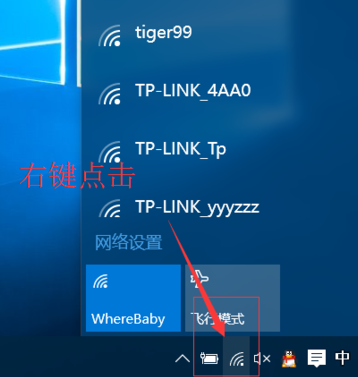
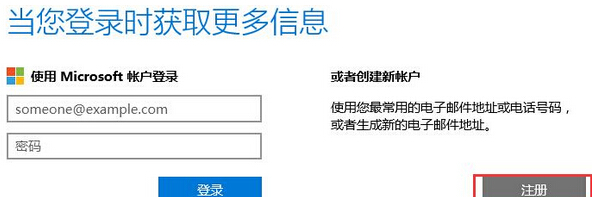
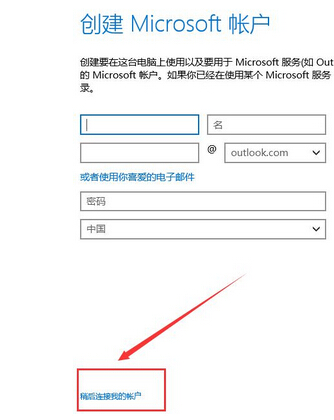
Win10 安裝或新增使用者時預設推薦 Microsoft 帳號(線上帳號),若偏好傳統離線本地帳戶,可依下列方式建立。
建立後可在同一頁面變更帳戶類型(標準/管理員),或移除不需的帳戶。
Win 10 Photoshop CS6 無法拖入圖片?啟動 64 位元版本捷徑解決
Win10 技術預覽版用戶必讀:關閉同步、啟用 Cortana、加快更新通道全攻略
Win10 印表機共享設定:控制台裝置和印表機右鍵共享三步完成
VMware Workstation 安裝 Win10 預覽版 9901 圖文教學:解決 UEFI 鎖定問題
Win10 產品金鑰啟動完整教學:設定 → 啟用 → 更改產品金鑰 → 輸入序號
Win10 關閉 Windows 安全性警示彈窗:防火牆通知設定「取消勾選阻止應用程式時通知我」