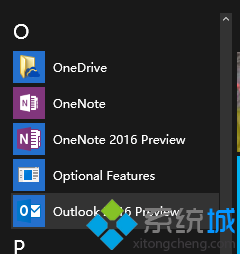
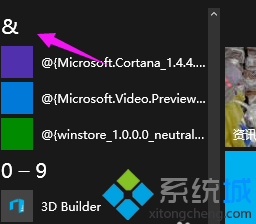
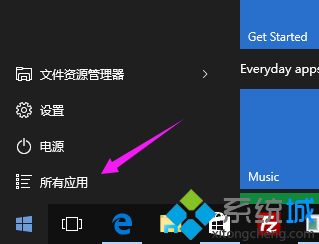
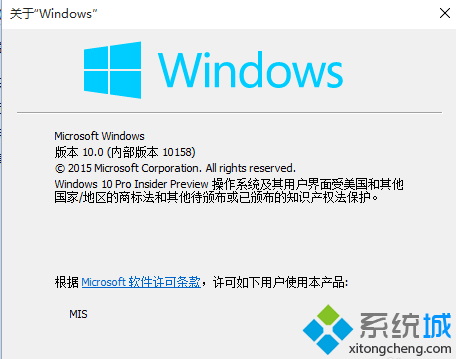
Windows 10 Build 10156 版本起,開始菜單「所有應用」支援依首字母/數字快速跳轉排序,大幅提升尋找應用效率。
此功能類似手機通訊錄字母索引,讓龐大應用清單也能秒速定位。
Win10 設定 Ctrl 鍵切換中英文輸入法:微軟拼音選項自訂切換鍵
Windows 10 Build 10547 更新與修復內容完整版
Win10 高對比度反轉色彩設定:設定→輕鬆使用→高對比度→選擇模式→套用
Windows 10 照片應用程式刪除相簿/相片操作教學
Win10電腦版微信無法登入、掃碼失效?兩大核心解決方案
Win10 鍵盤快速鍵總表 (同 22632/22613 精簡版)
Windows 10 執行 Photoshop CS6 提示 Configuration Error 解決:以系統管理員身分執行
Win7/Win8.1 免費升級 Win10 正式版完整圖文教學