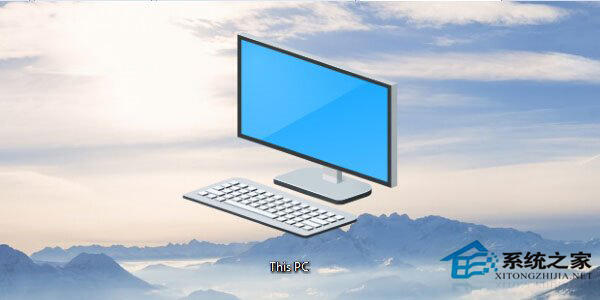
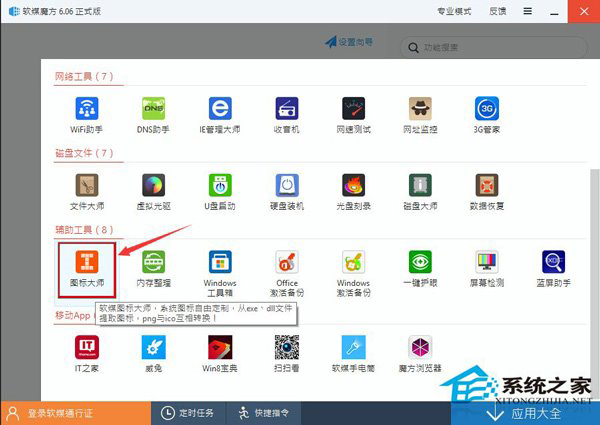
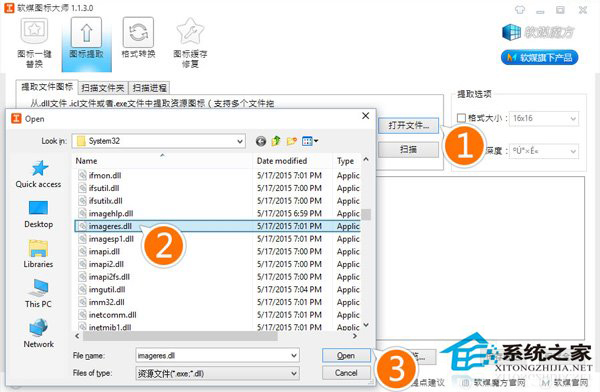
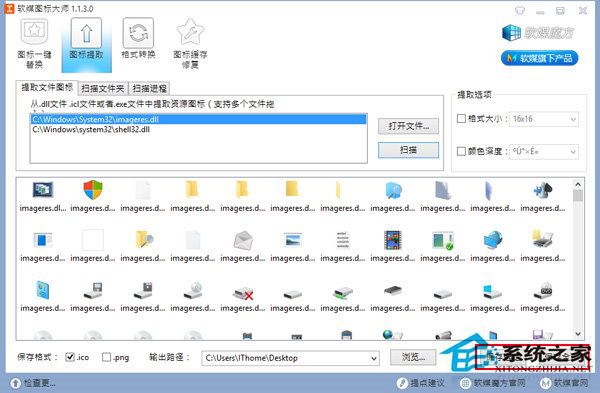
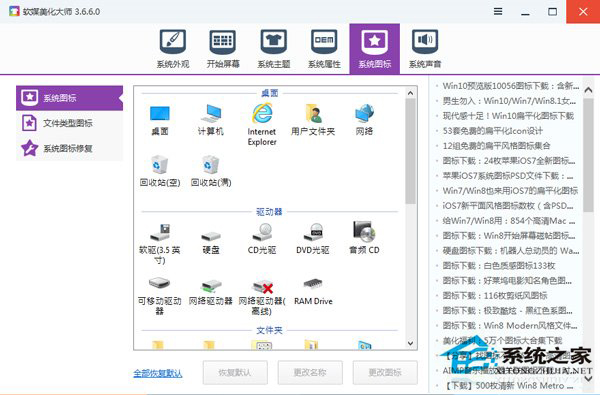
Win10 系統圖示全面更新,提取方法:
C:\Windows\System32\imageres.dll
.ico
喜歡者可下載現成圖示包 (含全套 .ico 與 64 位元 imageres.dll) 直接替換。
imageres.dll
Win10 「執行」在哪?三條路徑:開始選單、Win+R、搜尋列
Win10 開始按鈕右鍵選單無反應?登錄新增 IsShortcut 修復 lnkfile/piffile 關聯
Windows 10 設定寬帶撥號開機自動連線教學
Win10 清理登錄檔垃圾提升系統速度:推薦兩款工具
IE11 如何開啟相容性檢視?工具 → 相容性檢視設定 加入網址解決舊網頁顯示異常
Win10 HP 印表機安裝失敗?移除舊驅動程式重新安裝官方完整驅動
Windows 10 ShellExperienceHost.exe 當機解決方案:關閉自動更換桌布
升級 Win10 保留照片資料:選擇「保留個人檔案與應用程式」或「保留個人檔案」