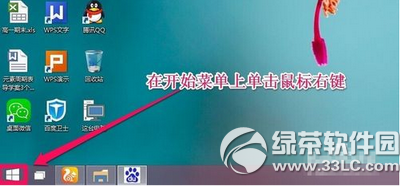
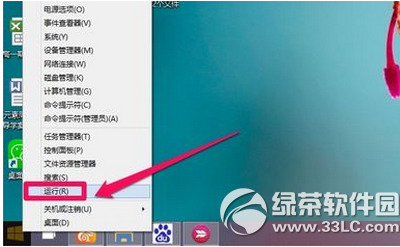
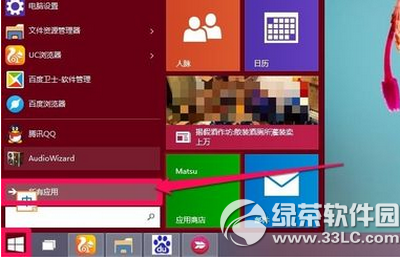
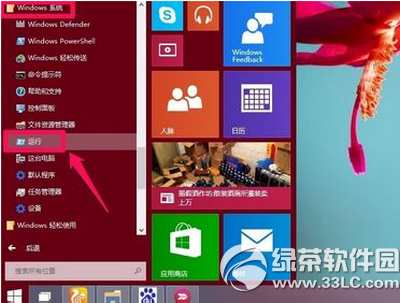
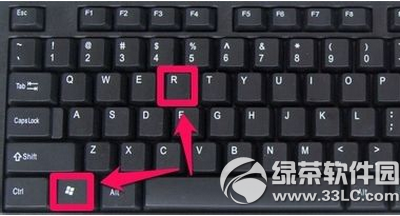
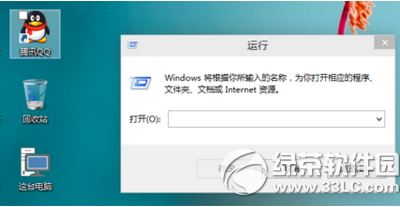
右鍵點擊「開始」按鈕 → 選擇「執行」。
Win10 資料夾顯示圖片詳細資訊(解析度、拍攝時間等)
Win10 虛擬桌面完整操作指南:建立、切換與管理
Windows 10 修改開始選單磚背景顏色:XML 資訊清單 + 命令提示字元清除快取
Win10 更新補丁檔案儲存在哪裡?C:\Windows\SoftwareDistribution\Download 可手動刪除釋放空間
Win10 如何用小娜語音指令定時關機/重啟/休眠/登出?建立捷徑完整教學
Win10 控制台在哪?三種快速開啟方法
Windows 10 顯示器顏色異常怎麼辦?兩招恢復系統預設色彩配置
Windows 10 Mobile 直裝 Android APK 實測教程(需開發者模式、支援機型限定)