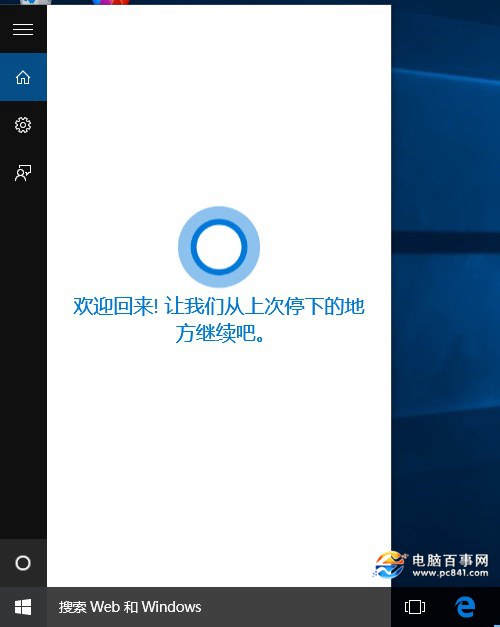
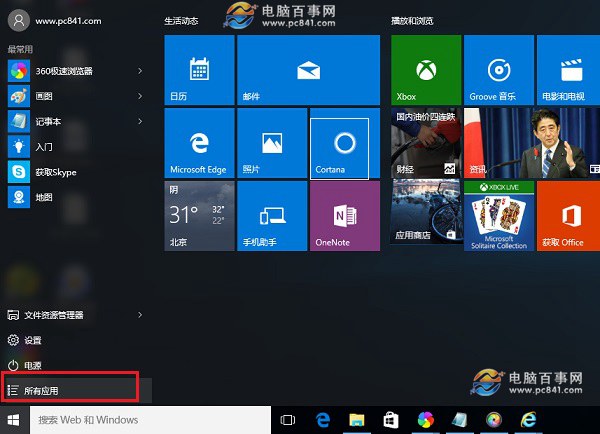
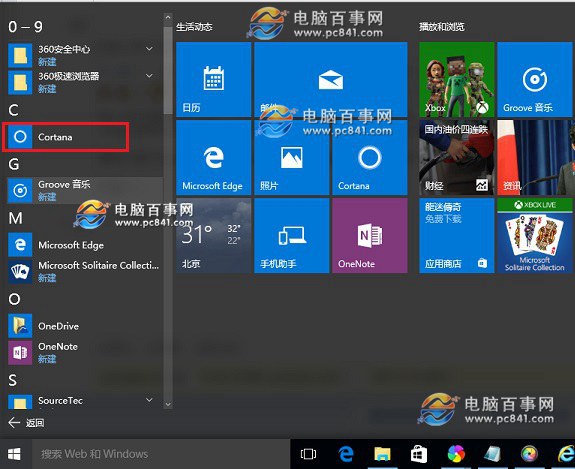
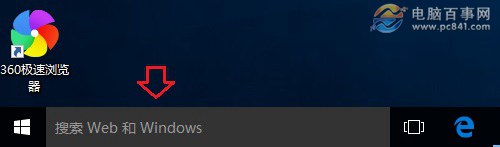
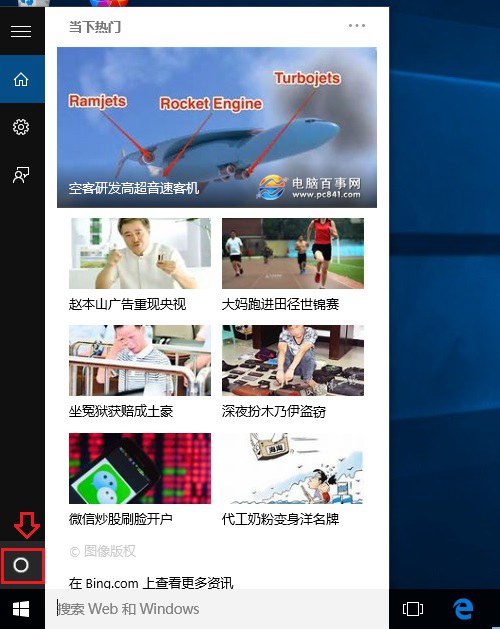
開始選單右側磚塊區亦有 Cortana 圖示,可直接點擊。首次開啟需完成簡單設定(語言、語音、隱私權)後方可使用。
Windows 10 開始選單拖放/懸停失效?啟用兩項自訂選項即刻修復
Win10 將應用程式安裝至非系統盤 (D/E 盤/外接硬碟/U 盤):設定→系統→儲存體→更改新應用儲存位置
Win10 小娜 Cortana 郵件追蹤行程功能設定完整教學
Win10 Mobile 安裝 Android APK 應用教學 (含 Visual Studio 與 SDK 環境建置)
Win10 定位功能隱私保護:通知區域圖示即時提示位置存取,防止應用竊取隱私
Win10 應用商店切換地區/國家完整教學:兩種方法讓你下載海外限定應用
Win10 硬體配置要求高嗎?官方最低規格:1GB/2GB 記憶體、16/20GB 硬碟、DirectX 9、UEFI 安全開機