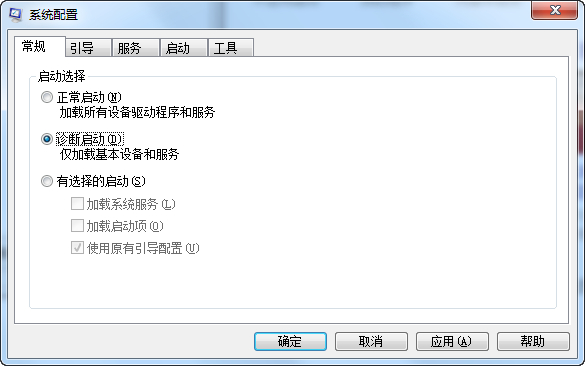
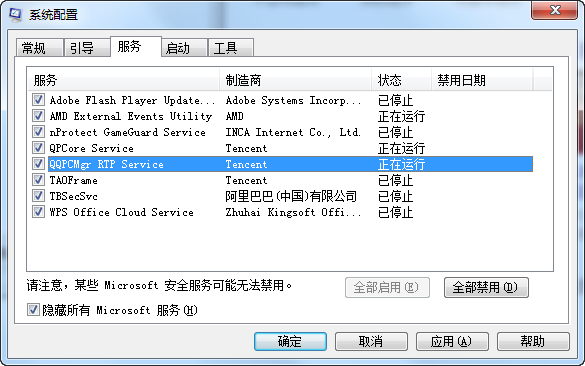
msconfig
若仍失敗,建議下載官方 ISO 全新安裝。診斷模式可排除第三方防毒、優化軟體、驅動程式對升級程序的干擾。
Win10 開機提示 dfrgfat.exe 應用程式錯誤?清除 WMI 儲存庫並重啟服務修復
Win10 自訂視覺效果與效能選項:平衡外觀與速度完整指南
Win10 工作列通知區出現白色方框?兩招關閉「始終顯示所有圖示」或啟用觸控鍵盤按鈕
Windows 10 桌面顯示「這台電腦」圖示:個人化設定兩步搞定
Win10 週年更新 14393.10 Cortana 消失變搜尋列?臨時解決方案:新建本地帳號
Win10 照片查看器全屏幻燈片播放與退出操作:F11/Esc 鍵盤速查
Win10 切換「專用/公用」網路設定:保護隱私、啟用裝置發現的關鍵
Windows 10 Microsoft Store 打不開?刪除 LocalCache 快取資料夾修復教學