Win10 開機彈出 dfrgfat.exe 錯誤,主因是 Windows Management Instrumentation (WMI) 服務儲存庫損壞。停用服務、刪除儲存庫檔案、重啟服務即可修復。
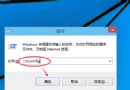
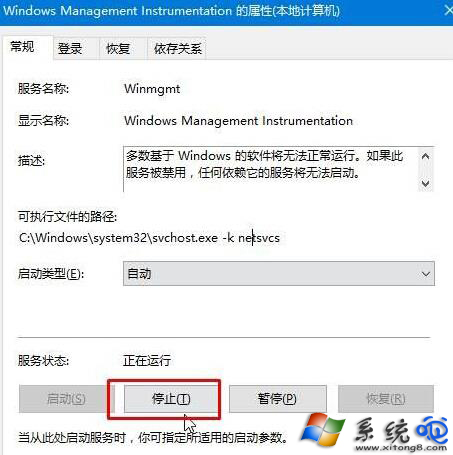
services.msc,找到 Windows Management Instrumentation,右鍵 停止。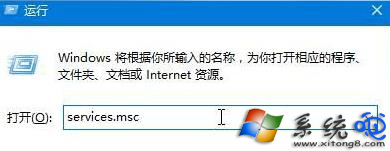
C:\Windows\SysWOW64\wbem\Repository(32 位系統為 C:\Windows\System32\wbem\Repository),刪除所有檔案。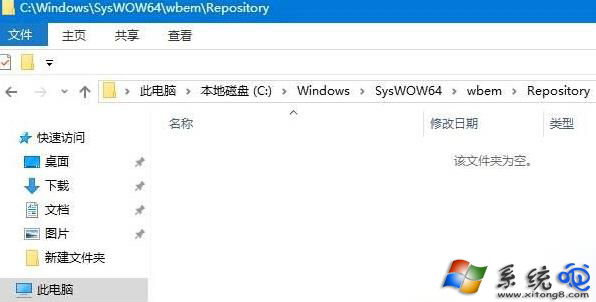
操作完成後開機不再出現 dfrgfat.exe 錯誤,系統穩定性恢復正常。