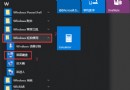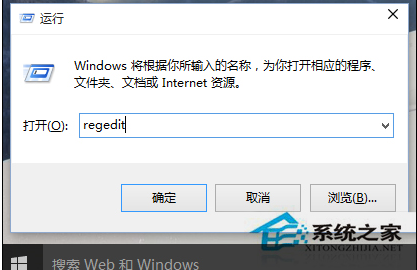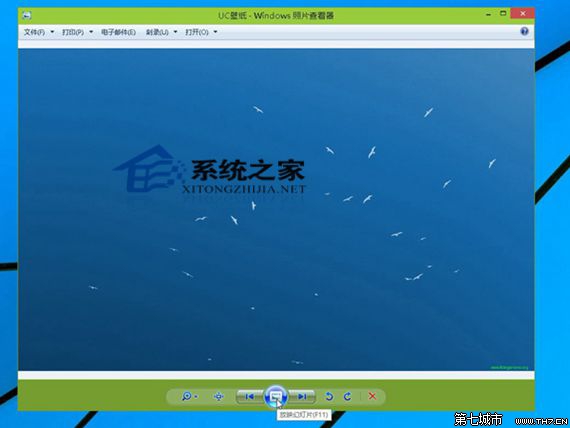
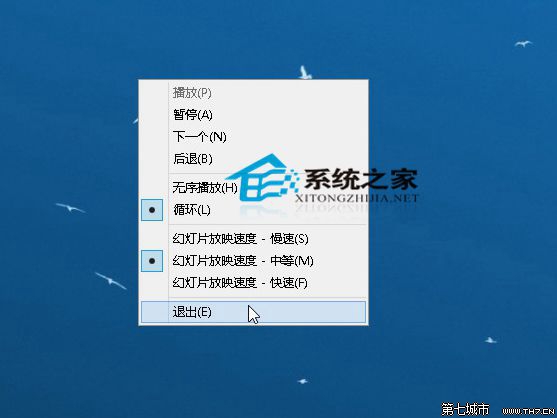
經典「Windows 照片查看器」(非 Modern「照片」App),輕量、啟動快、操作邏輯經典,適合批量圖片瀏覽/篩選。
Win10 關閉 Cortana 進程釋放記憶體:任務管理員結束工作 + 刪除 SystemApps 資料夾
Win10 全新瀏覽器 Spartan (Edge 前身) 新特性:支援擴充套件、相容 Chrome 擴充、整合 Cortana、網頁批註
Win10 Build 14376 修復內容彙總:PC 版 15 項、Mobile 版 10 項、已知問題 4 項
Win10 Build 10162 慢速通道下周預計推送,同步釋出 ISO 映像檔
Win10 UWP 版微信測試版 v1.0.12 更新:批量傳檔、本地儲存、介面優化
Win10 Administrator 帳戶執行 UWP 應用程式註冊表修正教學