Windows.old),過程較久請耐心等候。


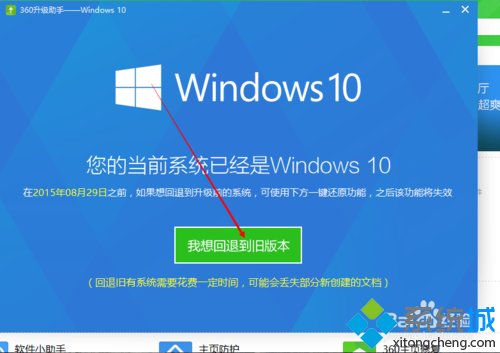
此功能本質調用 Windows 內建還原機制,前提同上:Windows.old 未刪除且在保留期內。
Windows 10 圓形頭像登入介面啟用教學:註冊表修改 Threshold 鍵值為 1
Windows 10 桌面圖示大小調整兩大絕招:右鍵選單與 Ctrl+滾輪
Win10 設定桌面背景自動輪播:個人化設定選擇「投影片播放」指定資料夾與間隔
Win 10 開機啟動項管理完整指南:工作管理器、啟動資料夾、註冊表三大法
Win10 開機自動彈出資料夾?關閉「登入時還原上一個資料夾視窗」
Windows 10 關閉驅動程式強制簽名驗證:安裝未簽名驅動教學
Visual Studio Emulator for Android:Win10 上效能最強的 Android 模擬器完整部署教學
Windows 10 進入 WinRE (Windows 恢復環境) 四大管道:設定、Shift+重開機、安裝媒體、開機失敗自動進入