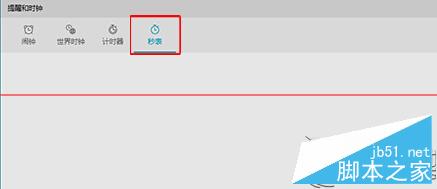
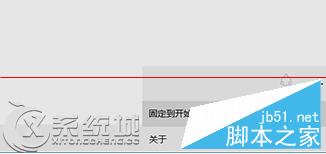
秒錶磁貼將出現在開始菜單,點擊即可直接啟動秒錶功能,方便快速計時。
Win10 滑鼠右鍵反應遲鈍/無回應的解決方法
Win10 關閉自動播放功能:三種方法全覆蓋 (設置/控制面板/組策略)
Win10 Task Scheduler 服務啟動失敗?登錄表修改 Start=2 + 依賴服務檢查
Win10 個人化設定無法開啟?啟用內建管理員核准模式修復
微軟公布 Win10 最低硬體規格:與 Win8 持平,1GB/2GB 記憶體即可運行,老電腦也能升級
Win10 ISO 映像檔快速升級安裝圖文教學
Windows 10 Mobile 直裝 Android APK 實測教程(需開發者模式、支援機型限定)
Win10 如何登入 Microsoft 帳號?設定中切換為線上帳號完整教學