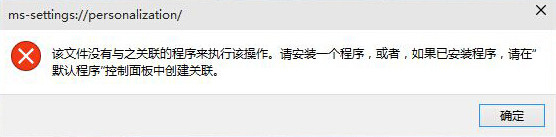
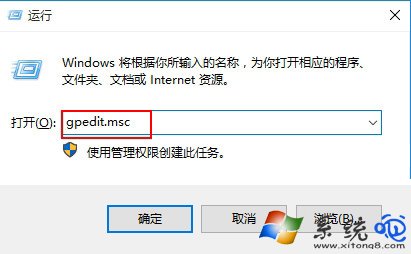
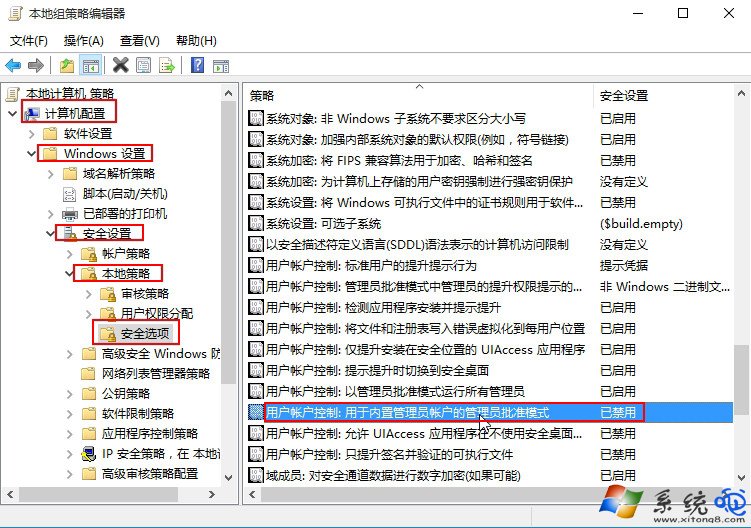
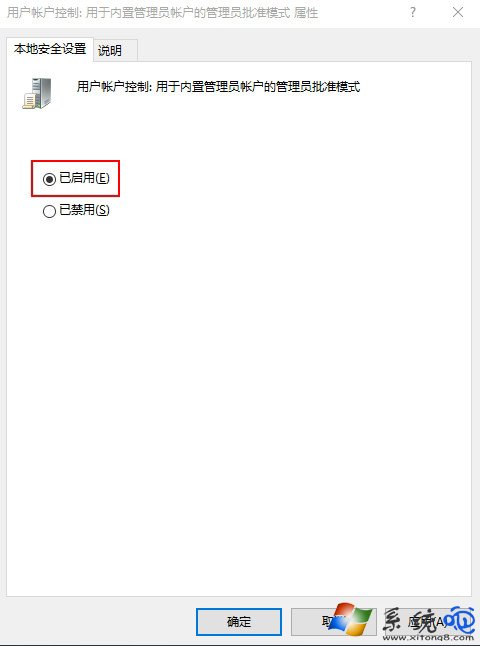
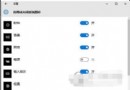
點擊「個人化」跳出「沒有與之關聯的程式」,主因是 UAC 內建管理員核准模式被停用。透過群組原則啟用該策略即可恢復個人化、開始選單、設定等現代化介面功能。
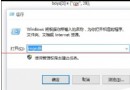
gpedit.msc
gpupdate /force
此修復同樣解決「開始選單不開」、「設定頁面閃退」、「Microsoft Store 無法開啟」等現代化 App 權限異常問題。
Win10 無法修改磁碟代號/磁碟機代號?顯示隱藏檔案與系統檔案解決
Win10 如何限制指定帳號只能執行特定應用程式?指派存取權(Kiosk 模式)設定教學
Windows 10 應用程式無回應/當機處理:工作管理員強制結束任務教學
Win 10 應用商店購買應用提示「請稍後再試」?重設 DNS 或 wsreset 重置商店修復
Win10 應用程式商店如何全螢幕顯示?雙擊標題列或最大化按鈕切換
Win 10 檢查並安裝系統更新完整步驟
Windows 10 雙系統安裝教學:分區法最簡單、保留 Win7/8 主系統
Win10 Cortana 小娜圓環圖示切換面團完整教學