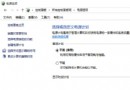
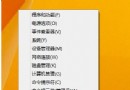
右鍵「此電腦」或桌面空白處選擇「管理」無反應、彈出極慢,與右鍵選單緩慢同根同源:HKEY_CLASSES_ROOT\Directory\Background\shellex\ContextMenuHandlers 累積過多第三方擴充項目。清理保留 New 即可恢復。
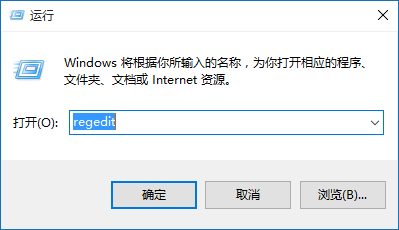
regedit。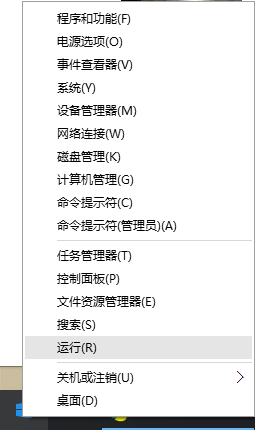
HKEY_CLASSES_ROOT\Directory\Background\shellex\ContextMenuHandlers。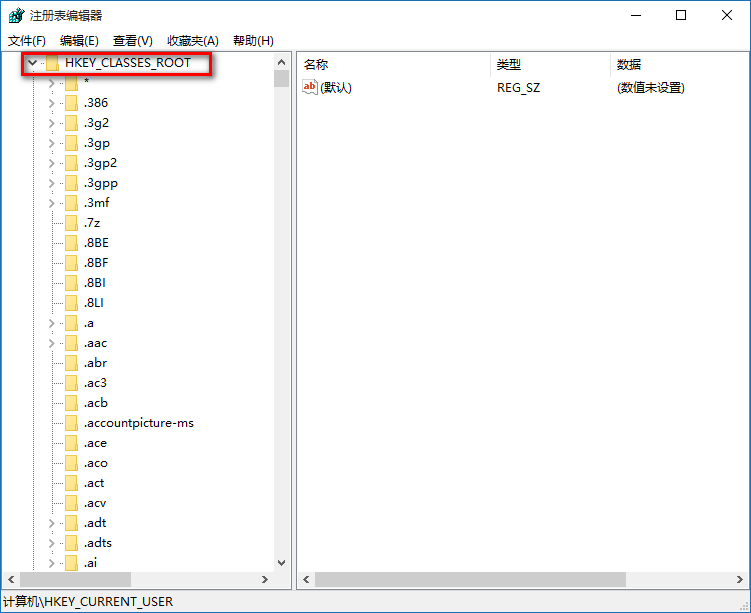
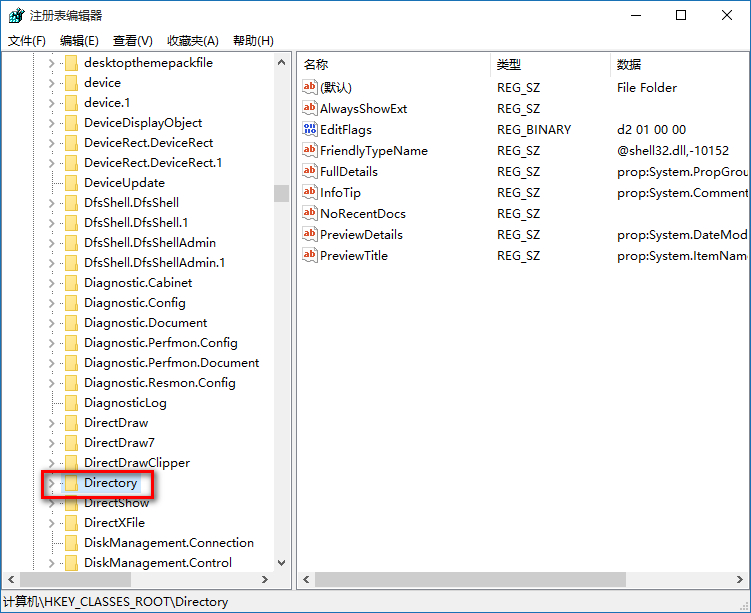
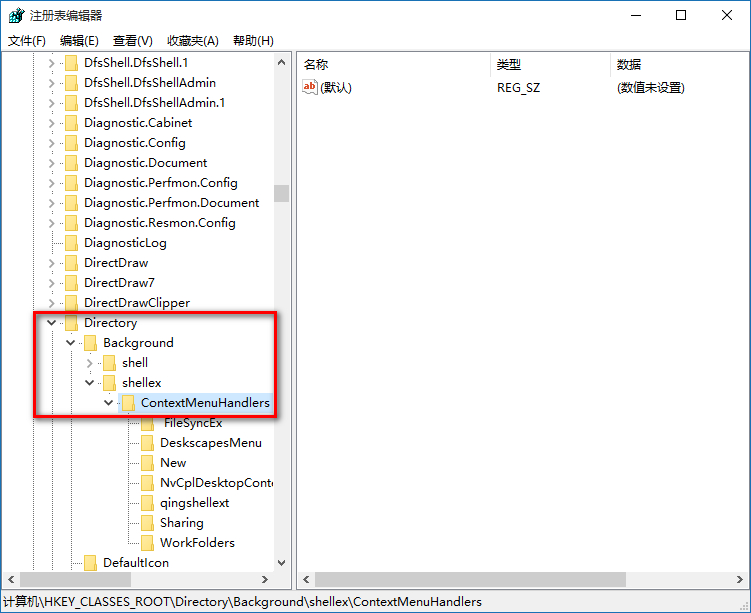
New,刪除其餘資料夾。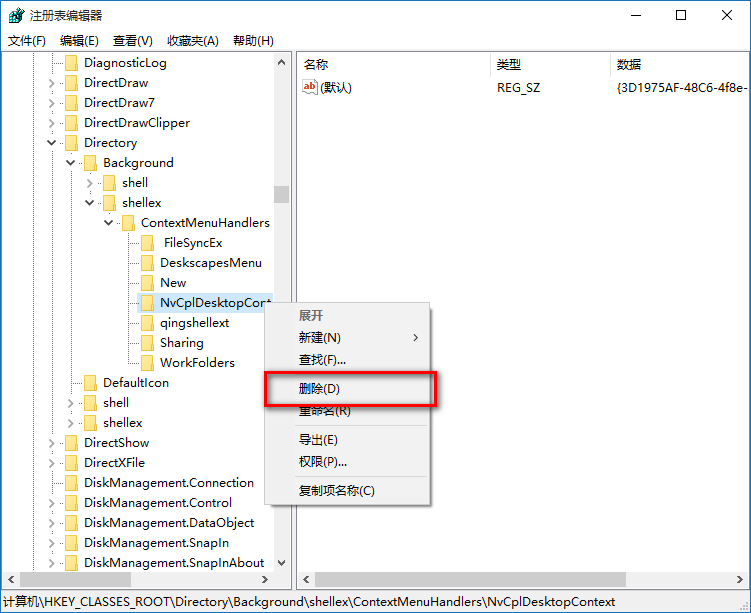
若「管理」在右鍵選單中完全消失,請檢查 HKEY_CLASSES_ROOT\CLSID\{20D04FE0-3AEA-1069-A2D8-08002B30309D}\shell\Manage 鍵值是否存在,或使用 Win+X >「電腦管理」替代。