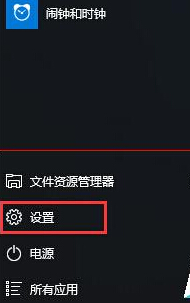
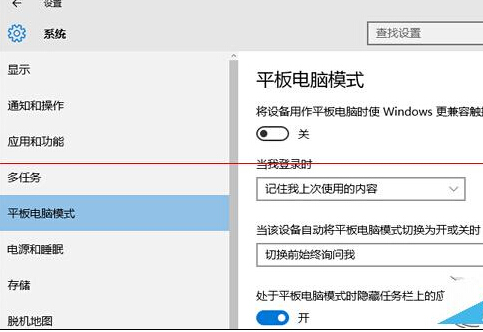
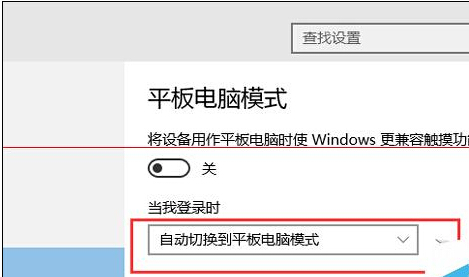
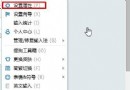
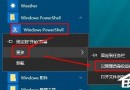
同 ID 23136 內容重複。在「設定」>「系統」>「平板電腦模式」中,將「當我登入時」設為「自動切換到平板電腦模式」,下次開機登入即自動進入觸控優化介面。
Win10 USB 隨身碟插上電腦卻不顯示磁碟機代號?設定→裝置→已連線裝置移除裝置後重插
Windows 10 查看版本號與系統更新完整指南
Win10 快速開啟螢幕鍵盤 (屏幕键盘) 步驟
Windows 10 解除安裝更新修復崩潰/相容問題:WinRE 環境中「解除安裝預覽更新」功能
Windows 10 開始選單全螢幕模式啟用教學:平板模式桌面體驗
Win10 TH2 更新後頻繁藍屏?opencl.dll 損壞為主因,SFCFix 專用工具修復教學
Win10 Mobile RS2 14926 已知問題彙總與硬體重置解決方案:Lumia 650 安裝失敗、操作中心無法滑關、熱點失效、PIN/SIM 問題
Win 10 筆電 D 槽出現愛奇藝資料夾?聯想預裝應用自動建立,可自行變更路徑或解除安裝