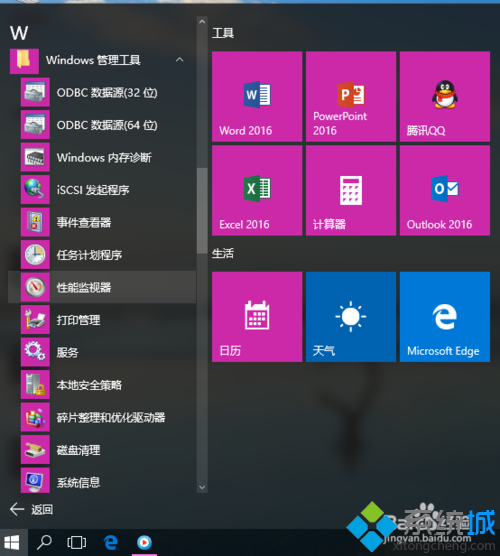
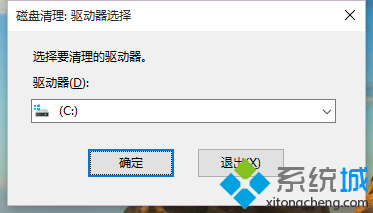
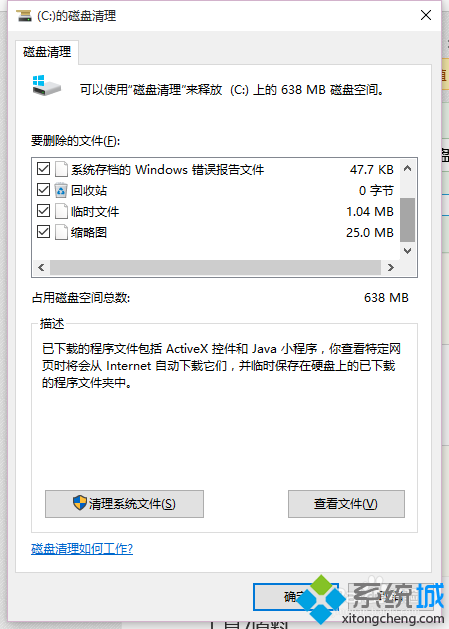
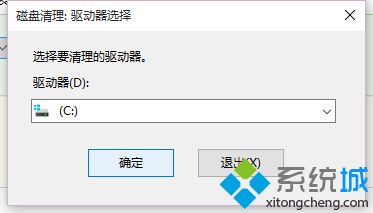
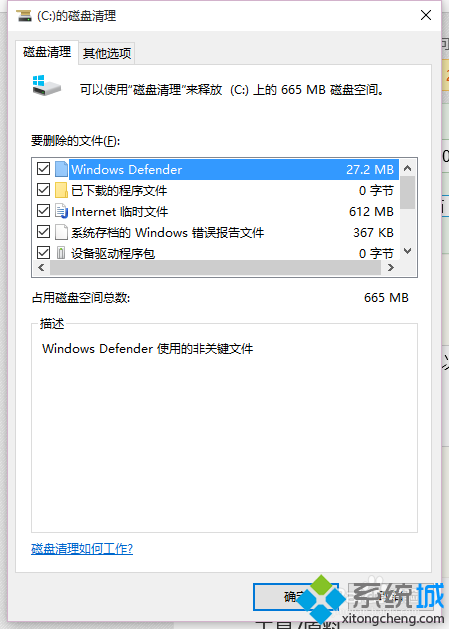
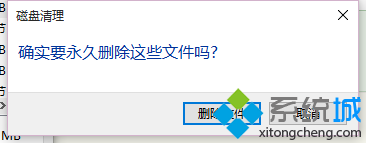
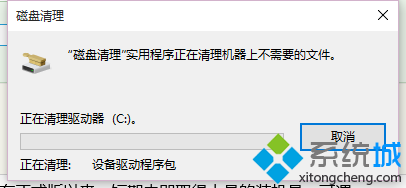
升級 Win10 後發現 C 槽空間大幅縮水?這是因為系統保留了舊版本檔案(Windows.old 資料夾)以便回滾,佔用數十 GB 空間。使用內建「磁碟清理」即可安全移除。
Windows.old
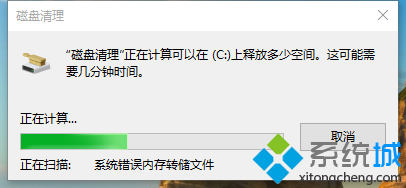
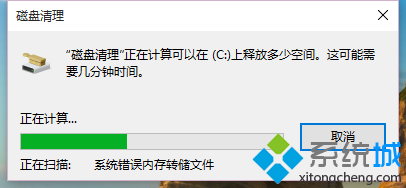
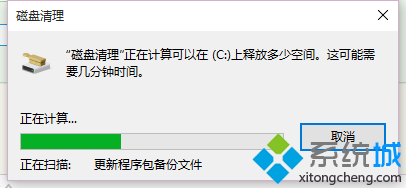
首次清理可能需較久時間,完成後即可回收大量硬碟空間。注意:清除後將無法還原至舊版 Windows,請確認系統穩定後再執行。
Win10 關機三大法:開始選單、Alt+F4、右鍵開始按鈕
Win10 連 Wi-Fi 顯示「無法存取網際網路」完整排除教學
Win10 360 瀏覽器打不開網頁但 Edge 正常?重置 Winsock/LSP 修復網路協定堆疊
Win10 觸控鍵盤開啟與關閉:工作列右鍵與工具列設定
Win10 如何禁止手動搜尋更新?群組原則設定教學
Win10 快速切換至桌面的兩大絕招:任務列按鈕與 Win+D 快捷鍵
Windows 10 郵件與行事曆同步錯誤 0x80c8043e:同 ID 23335 方案重複
Win10 桌面圖示/視窗異常放大?顯卡驅動異常一鍵修復:驅動人生/官方驅動重裝完整流程