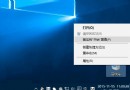
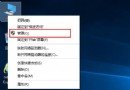
Win10 開始按鈕右鍵應彈出「超級選單」(Win+X 選單),但部分使用者發現右鍵完全無反應,左鍵與工作列右鍵正常。這是因為登錄表遺失 lnkfile 和 piffile 下的 IsShortcut 字串值。
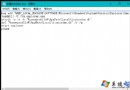
regedit 開啟登錄表編輯器(建議先用清理大師備份登錄表)HKEY_CLASSES_ROOT\lnkfile,右鍵空白處 → 新增 → 字串值,命名為 IsShortcut,數值資料留空HKEY_CLASSES_ROOT\piffile 下新增同名字串值 IsShortcut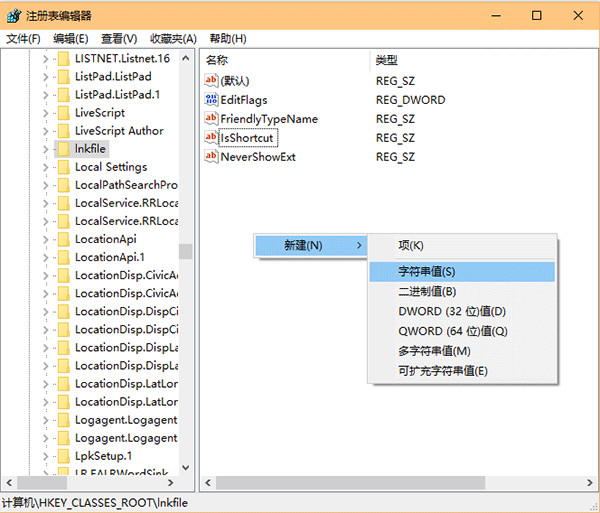
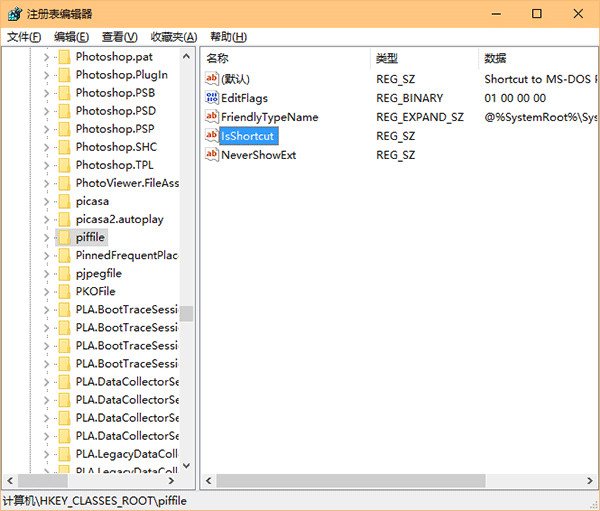
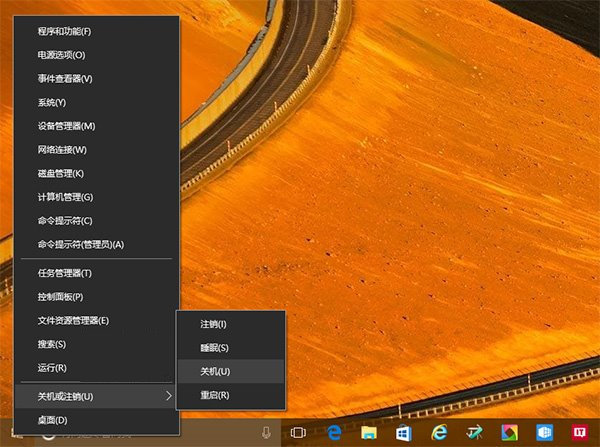
此方法同樣適用於 Win8.1。修復後開始按鈕右鍵將正常顯示包含「設備管理器」、「磁碟管理」、「PowerShell」等系統工具的超級選單。