Microsoft 管理主控台 (MMC) 是所有系統管理工具(如事件檢視器、裝置管理員、磁碟管理等)的統一載入平台,執行檔為 mmc.exe,位於 C:\Windows\System32。以下為兩種快速開啟方式:
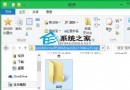
開啟檔案總管前往 C:\Windows\System32,雙擊 mmc.exe 即可啟動空白主控台,再從「檔案」→「新增/移除嵌入式管理單元」載入所需工具。
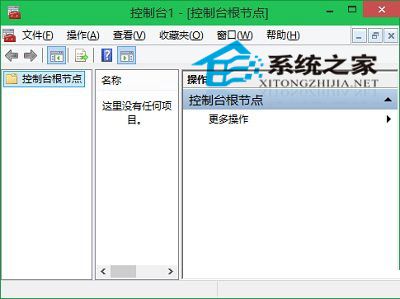
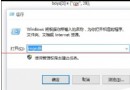
mmc(最快)按 Win+R 開啟「執行」,輸入 mmc 按 Enter 即可直接開啟。
許多系統工具皆可透過「執行」指令快速叫用,例如:
devmgmt.msc → 裝置管理員diskmgmt.msc → 磁碟管理eventvwr.msc → 事件檢視器gpedit.msc → 群組原則編輯器(專業版以上)熟記常用指令能大幅提升系統管理效率。