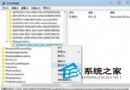
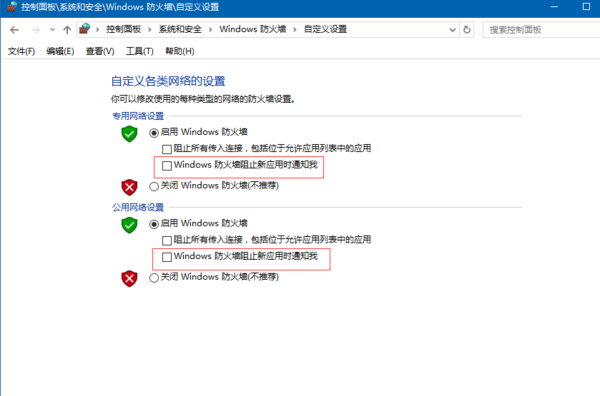
安裝 Win10 後開啟 DWG 檔案跳出「向程式傳送命令失敗」錯誤,且工作管理員出現多個 ACAD 進程。這是因為使用者帳戶控制(UAC)的 LUA(Limited User Account)機制阻擋了 CAD 程式的跨進程通訊。
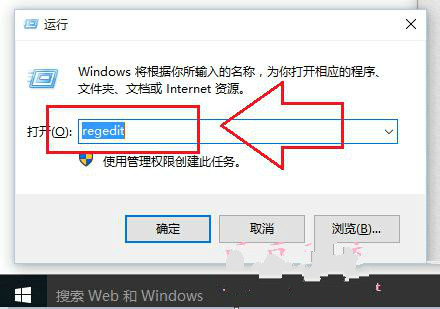
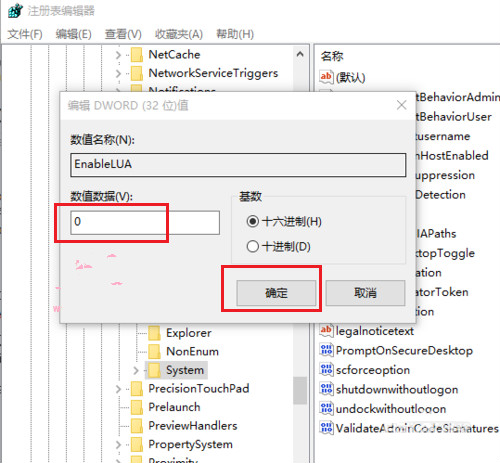
regedit 開啟登錄表編輯器HKEY_LOCAL_MACHINE → SOFTWARE → Microsoft → Windows → CurrentVersion → Policies → SystemEnableLUA,雙擊將數值資料從 1 改為 0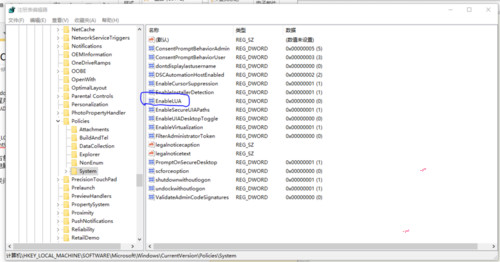
⚠️ 重要提醒:關閉 LUA 會導致 Microsoft Store、Edge 瀏覽器、Xbox 等 UWP 應用無法使用。若需使用這些應用,請改用相容性設定或以系統管理員身分執行 CAD。建議先嘗試在 CAD 捷徑屬性中勾選「以系統管理員身分執行」。