Win10 桌面捷徑預設會疊加一個小箭頭標誌,影響美觀。透過修改登錄表 Shell Icons 並重建圖示快取,可徹底移除箭頭,且不影響捷徑功能。
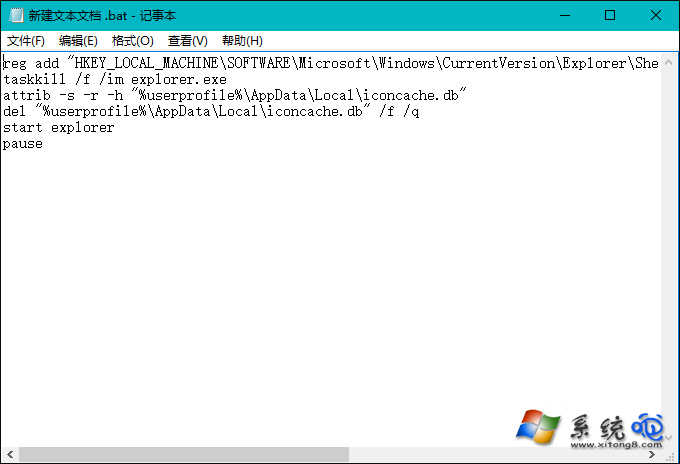
reg add "HKLM\SOFTWARE\Microsoft\Windows\CurrentVersion\Explorer\Shell Icons" /v 29 /d "%systemroot%\system32\imageres.dll,197" /t REG_SZ /f
taskkill /f /im explorer.exe
attrib -s -r -h "%userprofile%\AppData\Local\iconcache.db"
del "%userprofile%\AppData\Local\iconcache.db" /f /q
start explorer
pause
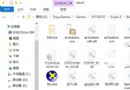
RemoveArrow.bat(編碼選 ANSI 或 UTF-8),檔案類型選「所有檔案」。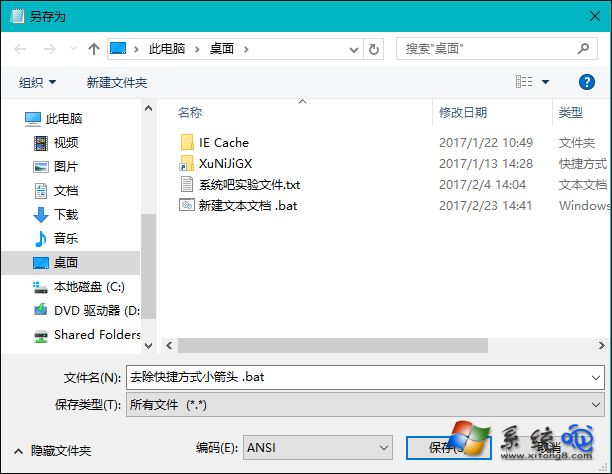
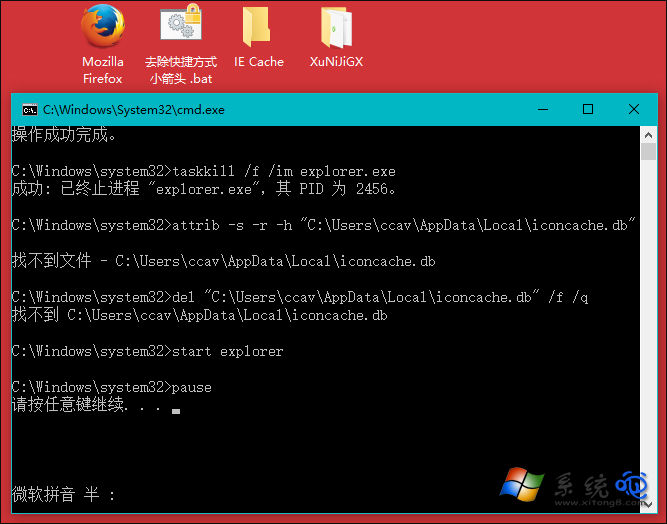
原理:將捷徑覆疊圖示索引 29 指向 imageres.dll 中的透明圖示資源(索引 197),並刪除圖示快取強制重建。若需恢復,刪除登錄表 Shell Icons 下的 29 值並重啟總管即可。