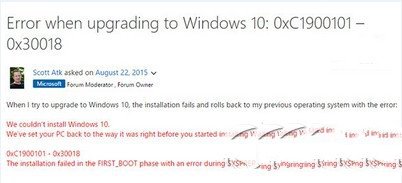
錯誤 0xC1900101-0x30018 多因不相容軟體/驅動導致。微軟建議排查步驟:
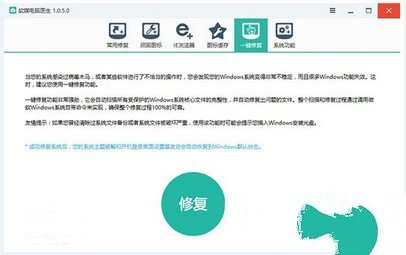
sfc /scannow 修復系統檔 (或用軟媒魔方「電腦醫生」一鍵修復)。已知受影響廠商正配合微軟修復中,以上為暫時規避方案。
Win10 網頁 HTTP 403 Forbidden 錯誤成因完整分析:九大子錯誤代碼對照與排查方向
Windows 10 Build 9879 自動更新失敗?切換至 Fast 通道並手動檢查更新
Win10 開始選單自訂:工作列屬性→開始選單→自訂增減程式
Win10 如何關閉開始功能表所有動態磚通知?登錄檔新增 ClearTilesOnExit=1 徹底淨化磚塊
Win10 筆電工作列電池圖示不見了?開啟系統圖示或重置電池驅動程式
Win10 10586.456 累積更新內容:穩定性提升、喚醒黑屏修復、本地帳號鎖定、視訊播放、Azure AD、Silverlight、多項核心修復