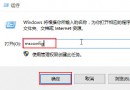
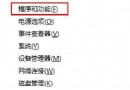
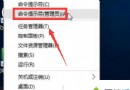
自動更新機制導致 0x8024402F 錯誤,透過批次停止服務、重命名 Catroot2、重新註冊核心 DLL、重啟服務解決。
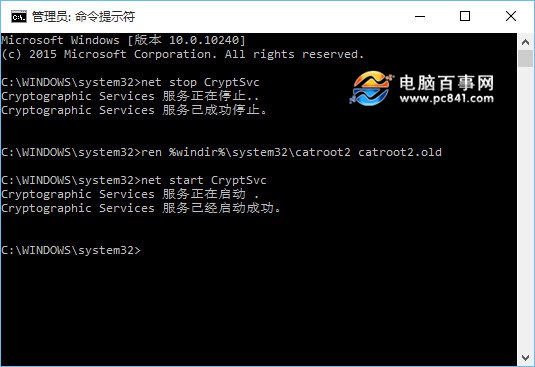
net stop CryptSvc
ren %windir%\system32\catroot2 catroot2.old
net start CryptSvc

net stop wuauserv
regsvr32 wuapi.dll /s
regsvr32 wups.dll /s
regsvr32 wuaueng.dll /s
regsvr32 wucltui.dll /s
regsvr32 wuweb.dll /s
regsvr32 msxml.dll /s
regsvr32 msxml2.dll /s
regsvr32 msxml3.dll /s
regsvr32 urlmon.dll /s
net start wuauserv

regsvr32 softpub.dll /s
regsvr32 initpki.dll /s
regsvr32 mssip32.dll /s
regsvr32 wintrust.dll /s
regsvr32 dssenh.dll /s
regsvr32 rsaenh.dll /s
regsvr32 gpkcsp.dll /s
regsvr32 sccbase.dll /s
regsvr32 slbcsp.dll /s
regsvr32 cryptdlg.dll /s
regsvr32 jscript.dll /s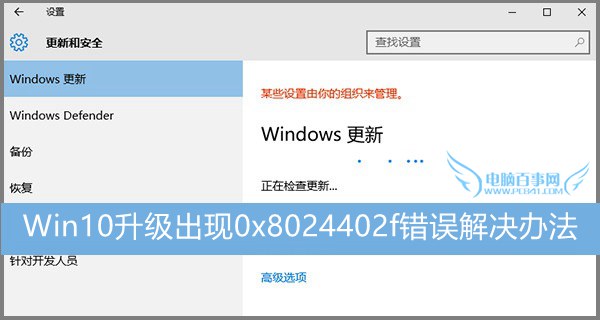
Windows 10 將便利貼捷徑建立至桌面:兩步驟快速完成
Windows 10 檔案總管「主頁」恢復初始狀態:一條指令清除使用紀錄
Win10 開啟「登入資訊顯示」:登錄檔 DisplayLastLogonInfo=1 顯示上次登入時間與狀態
Win10 如何開啟超級管理員 Administrator 帳號?電腦管理本機使用者啟用
Win10 電源計劃如何備份/還原/重命名/重設?powercfg 指令完整管理
Win10 任務列透明效果如何開啟/關閉?個人化設定一鍵切換,省電與美觀任你選
Windows 10 Build 10125 圖示更新完整賞析:資料夾、磁碟機、外設全系列新設計,扁平化風格回歸經典辨識度