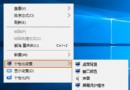
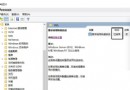
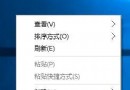
新建資料夾預設命名「新增資料夾」、副本檔案「檔名 - 副本」。透過註冊表 NamingTemplates 可自訂命名格式,支援 %s 佔位符代表原名稱。
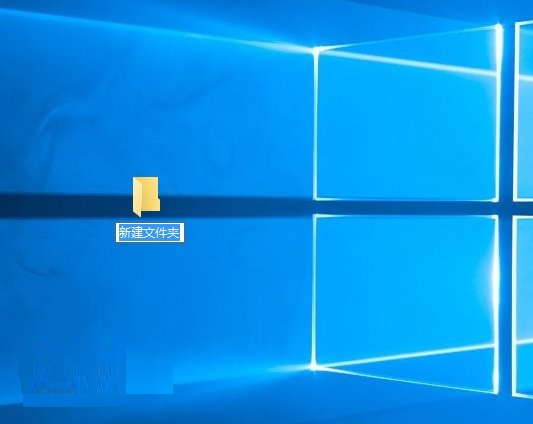
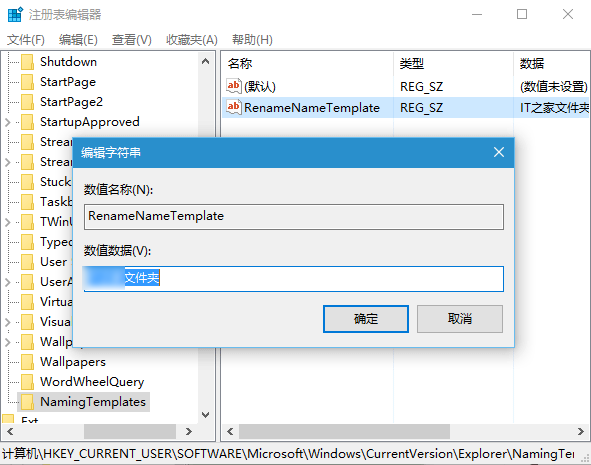
regedit。HKEY_CURRENT_USER\Software\Microsoft\Windows\CurrentVersion\ExplorerNamingTemplates(若不存在)。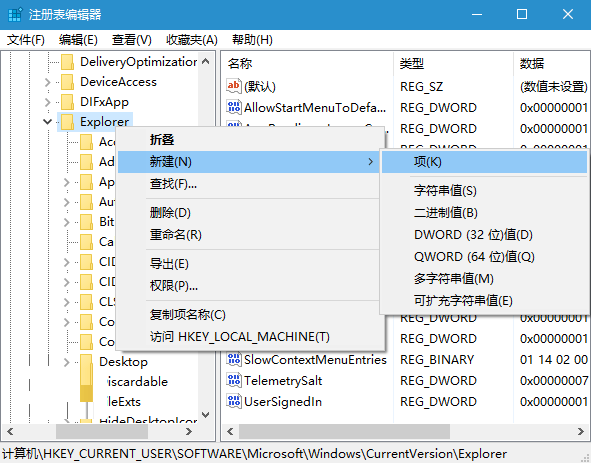
RenameNameTemplate(新建項目)或 CopyNameTemplate(副本檔案)。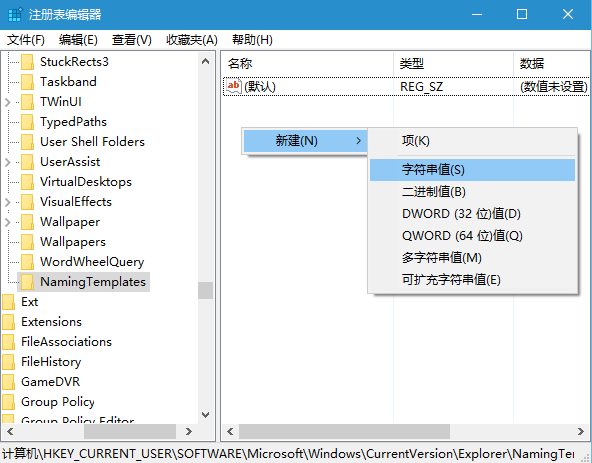
IT之家%s → 新建資料夾命名「IT之家 新增資料夾」、「IT之家 新增文字文件」等。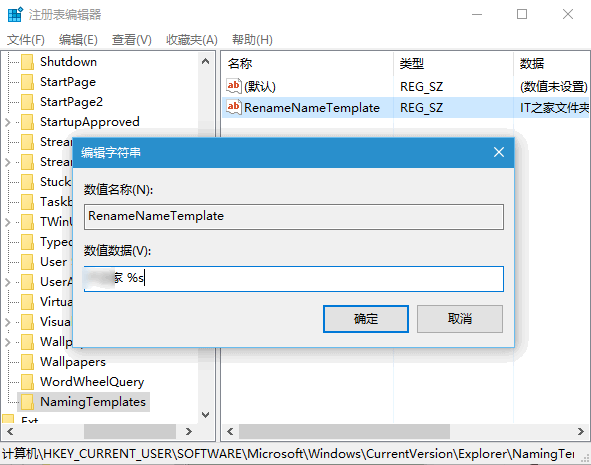
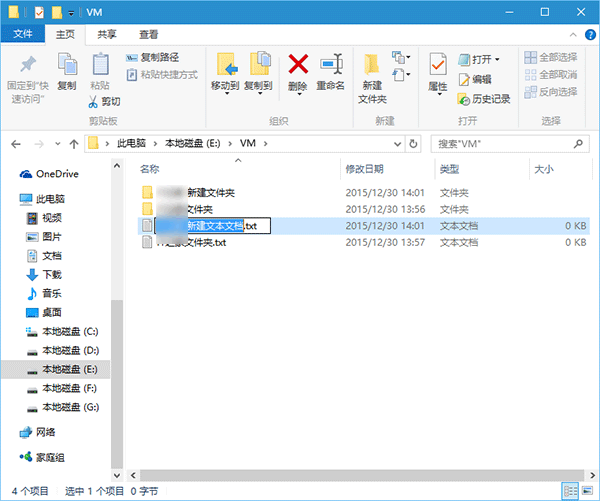
%s(僅佔位符) → 副本檔案不加「- 副本」,改用括號編號區分(如「檔名 (1)」)。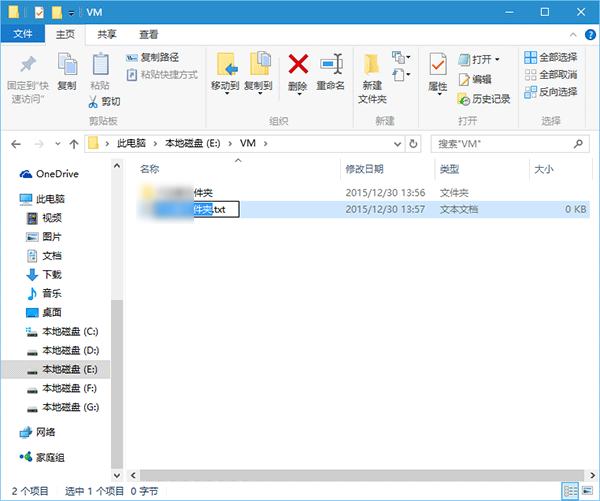
適用 Win7/8/10/11。修改後即時生效,無需重開機。