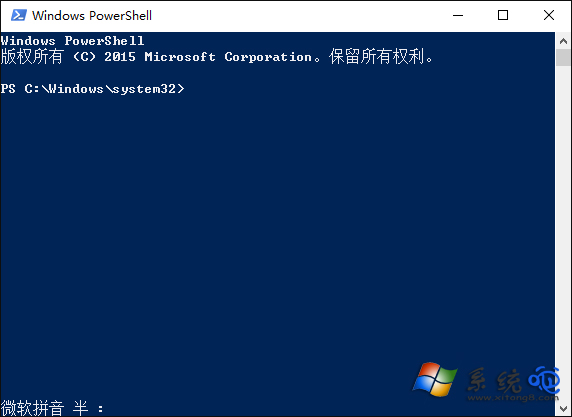
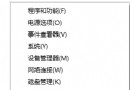
Win10 部分預覽版中 PowerShell 視窗開啟後無回應、無法輸入指令、甚至工作管理員無法結束進程。修改登錄表 ForceV2 值可修復此問題。
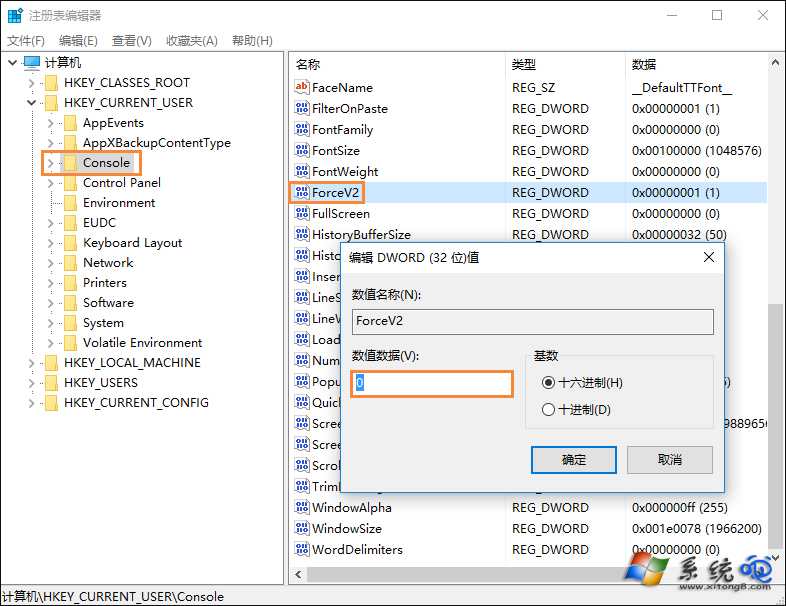
ForceV2
regedit
HKEY_CURRENT_USER\Console
0
背景:ForceV2 控制新版主控台宿主(ConHost v2)啟用,某些版本啟用後會導致相容性問題。設為 0 回退至舊版主控台引擎。
Win10 升級 9879 失敗解決方案 (誤標 9789)
Win10 Edge 瀏覽器閃退修復:PowerShell 重新註冊 AppX 套件一鍵修復
Windows 10 永不黑屏設定:電源選項將螢幕關閉與睡眠時間均設為「永不」
Win10 Cortana 語音助手使用教學 (含截圖)
Win10 系統還原點如何還原系統?完整圖文操作指南
Win7 升級 Win10 後搜尋失效修復:登錄檔刪除損毀的 FolderTypes 鍵值
Win10 搭建 Apache + PHP 開發環境完整圖文教程
Win10 桌面顯示控制台圖示:一鍵直達傳統設定面板