Windows XP Windows 7 Windows 2003 Windows Vista Windows 綜合教學 Linux 系統教學
Windows 10 Windows 8 Windows 2008 Windows NT Windows Server 電腦軟體教學

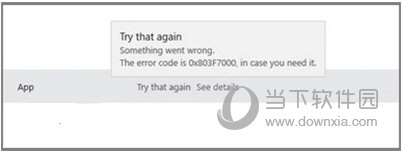
Win10 應用程式更新錯誤 0x803F7000 完整解決方案

編輯:Windows 10 系統介紹

方案一:重命名軟體發佈資料夾(最有效)

許多更新問題源於 Windows Update 元件損毀,重置快取資料夾通常能立即解決。

  1. 右鍵點擊「開始」按鈕,選擇「Windows PowerShell(系統管理員)」或「命令提示字元(系統管理員)」。
  2. 依序輸入以下指令,每行結束按 Enter:
net stop wuauserv
rename c:\windows\SoftwareDistribution softwaredistribution.old
net start wuauserv
exit
  1. 重新開啟 Microsoft Store,嘗試再次更新應用程式。

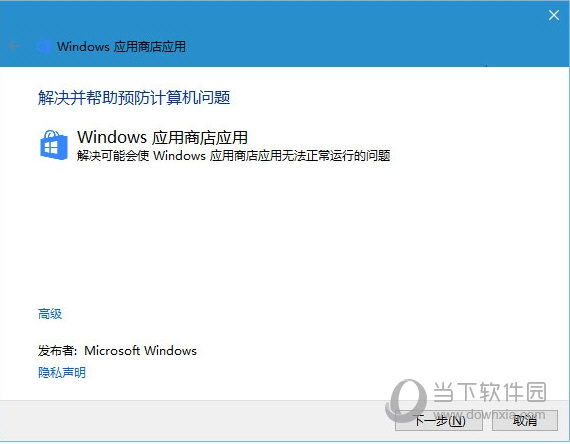
方案二:使用 Microsoft 官方疑難排解工具

若不想手動操作指令,可下載 Windows Update 疑難排解工具 或 Microsoft Store Apps 疑難排解工具,執行自動修復。
補充提醒

部分第三方防毒軟體的即時掃描可能干擾更新下載。若上述方法無效,請暫時關閉防毒軟體的即時防護,再重試更新。

Copyright © Windows教程網 All Rights Reserved